

Confluence Google Drive Integration
Create a single source of truth with seamless syncing and real-time collaboration.
Read more


_2026-03-26_20-48-42-1.png?length=720&name=untitled_Gemini%203%20(Nano%20Banana%20Pro)_2026-03-26_20-48-42-1.png)






















Browse cloud storage directly in Confluence
Select files or folders from SharePoint, Google Drive, and more
Attach files to Confluence pages
Embed folders and document libraries
Preview files live inside pages
Files always stay in cloud storage
Attach files to Confluence pages for in-context documentation
Embed cloud folders in spaces to share project and team files
Use cloud storage as the system of record for all documents
Keep pages up to date as files change in SharePoint, Google Drive, and more
Organize Confluence files and documents by project, team, or workspace
Files are never stored in Confluence and always remain in your cloud storage
SharePoint, OneDrive, Google Drive, Box, Dropbox, and Egnyte permissions control access
Built on Atlassian Forge for secure, native Confluence integration
Cloud Fortified for enterprise-grade reliability and compliance
GDPR-ready architecture designed for regulated and security-focused teams
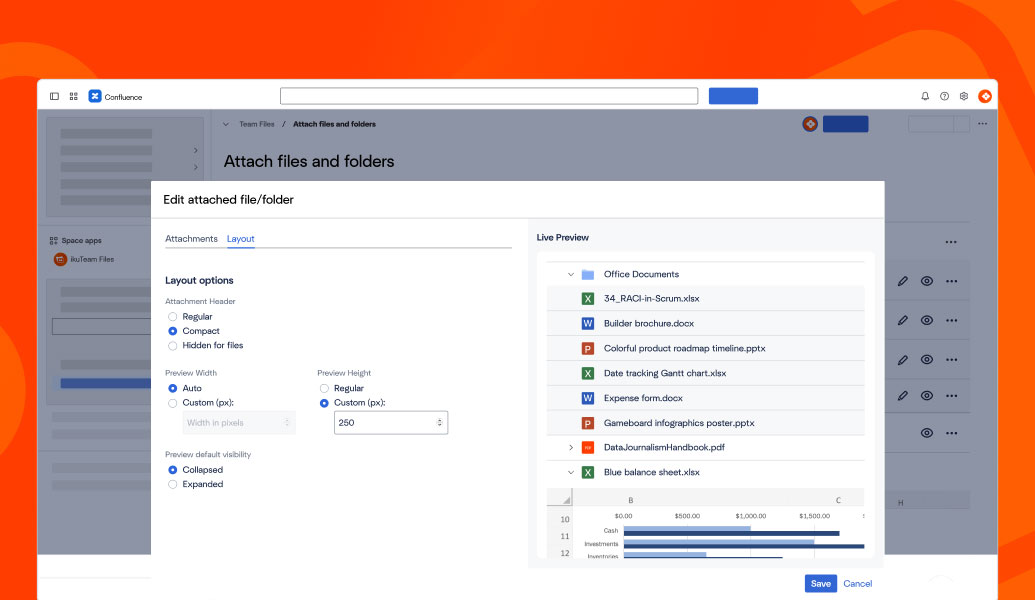
Browse cloud storage directly in Confluence
Select files or folders from SharePoint, Google Drive, and more
Attach files to Confluence pages
Embed folders and document libraries
Preview files live inside pages
Files always stay in cloud storage
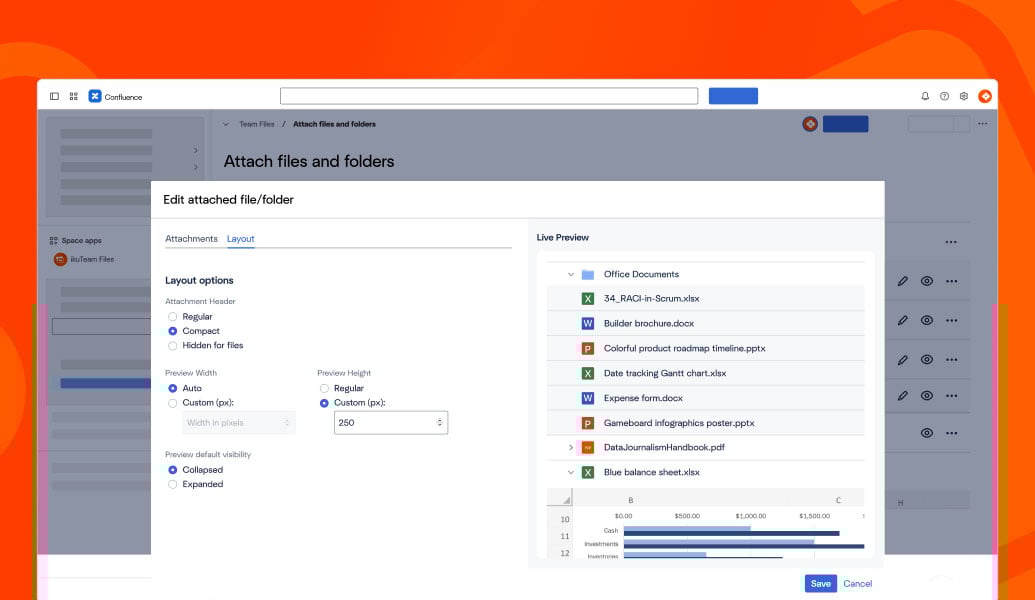
Attach files to Confluence pages for in-context documentation
Embed cloud folders in spaces to share project and team files
Use cloud storage as the system of record for all documents
Keep pages up to date as files change in SharePoint, Google Drive, and more
Organize Confluence files and documents by project, team, or workspace
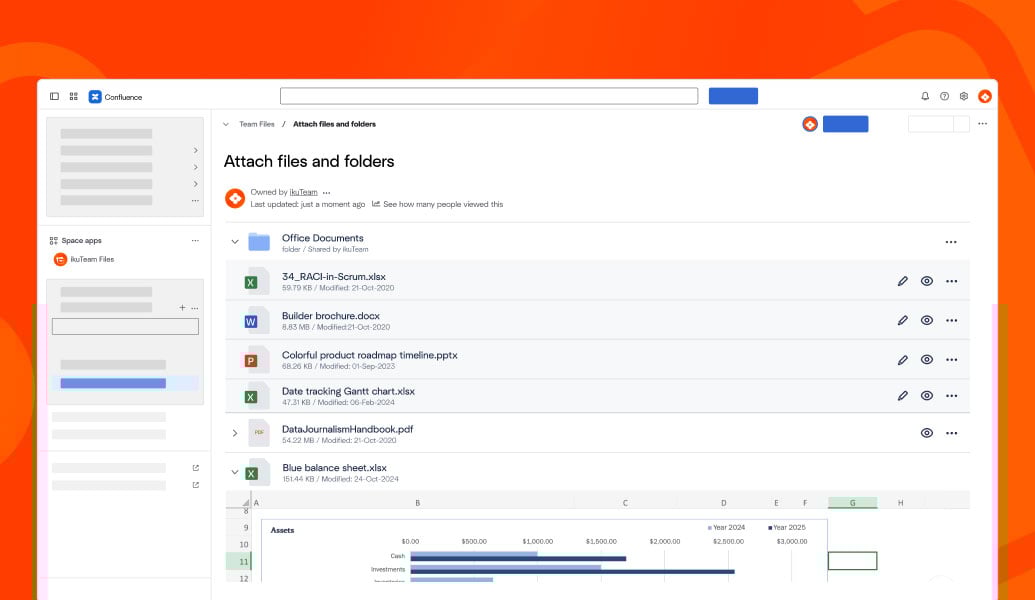
Files are never stored in Confluence and always remain in your cloud storage
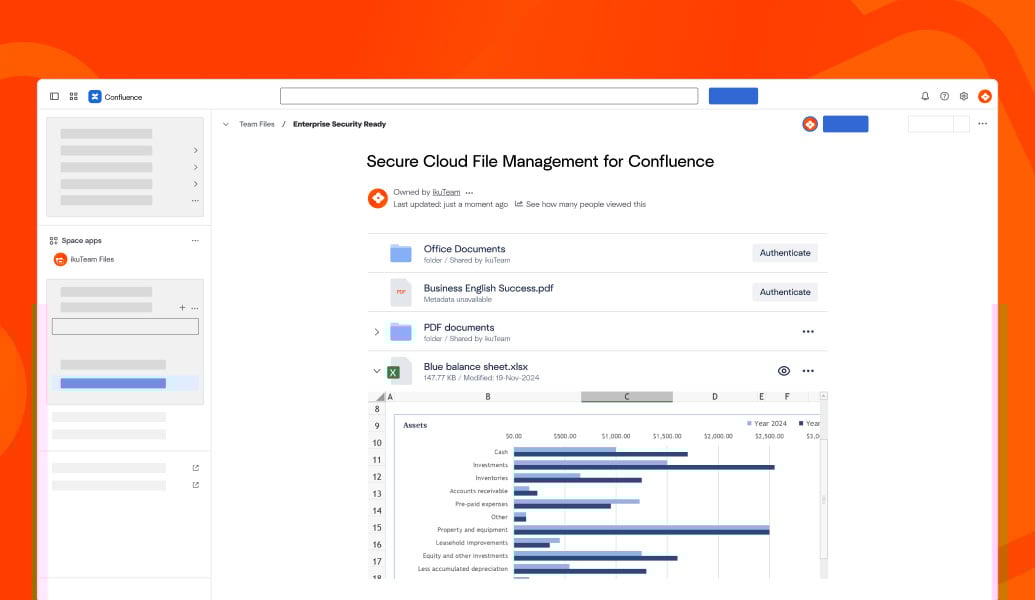
SharePoint, OneDrive, Google Drive, Box, Dropbox, and Egnyte permissions control access
Built on Atlassian Forge for secure, native Confluence integration
Cloud Fortified for enterprise-grade reliability and compliance
GDPR-ready architecture designed for regulated and security-focused teams

“ikuTeam Files perfectly bridges cloud file storage and Confluence. It lets us integrate documents seamlessly without uploading attachments, making it an invaluable tool.”

Frank Leclerc
Consulting Lead Atlassian Solutions
Decadis

“ikuTeam Files delivered exactly what we needed. Our files remain securely in SharePoint yet display beautifully in Confluence. Support for PowerPoint, Excel, Word, video, and now Visio has transformed our engineering and documentation workflows.”

Chad Stegeman
AVP Technology
WelbeHealth

“We’ve relied on ikuTeam Files for Confluence for a long time. It’s a very handy app, and the support team is exceptional, always quick to resolve any issues. Highly recommended.”

Petra Hasler
Education & Knowledge Management Specialist
All for One PublicCloudERP GmbH

Connect just SharePoint and OneDrive to Confluence so teams can embed and work with Microsoft 365 files and folders in their pages.
Learn more
Connect just Google Drive to Confluence to browse, embed, and work with Drive files and folders across knowledge spaces.
Learn more
Edit Word, Excel, PowerPoint, and PDFs directly inside Confluence pages for complete document workflows.
Learn more
_2026-03-26_20-48-42-1.png?length=960&name=untitled_Gemini%203%20(Nano%20Banana%20Pro)_2026-03-26_20-48-42-1.png)


