

Confluence Google Drive Integration
Create a single source of truth with seamless syncing and real-time collaboration.
Read more


_2026-03-26_20-48-42-1.png?length=720&name=untitled_Gemini%203%20(Nano%20Banana%20Pro)_2026-03-26_20-48-42-1.png)






















Confluence cannot open Visio files
Visio diagrams become static images
Teams download and re-upload files
Versions drift across copiesThere is no live source of truth
Work on live Visio diagrams from Confluence, not screenshots
Keep one trusted version instead of multiple copies
See Visio where your documentation lives, and extend the same workflow to Jira issues
Preview Visio diagrams directly in Confluence pages and Jira issues
Open files from SharePoint or OneDrive without moving them
Edit and save changes without downloads or re-uploads
Keep permissions in sync with Microsoft 365
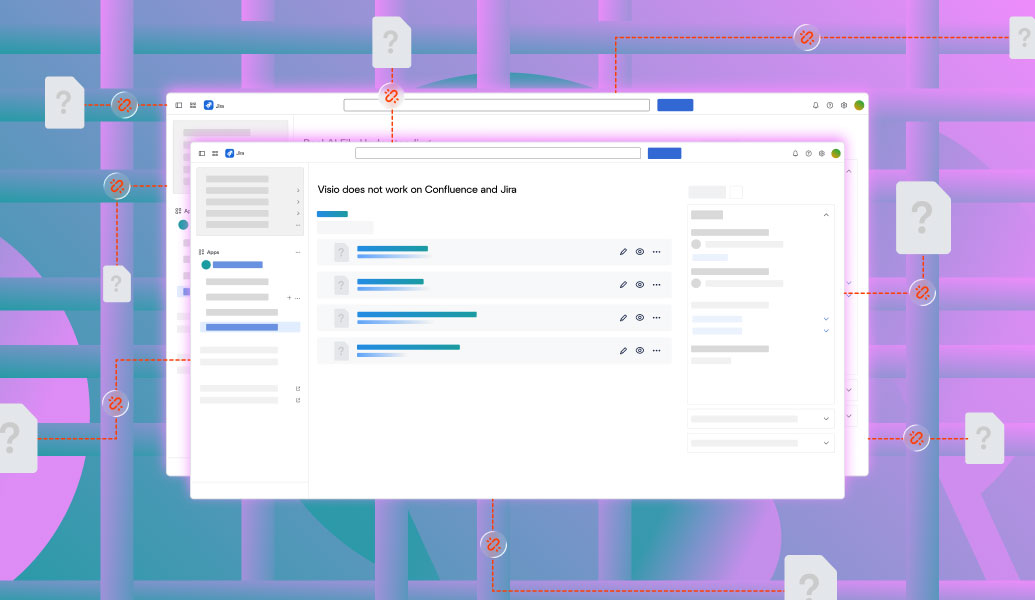
Confluence cannot open Visio files
Visio diagrams become static images
Teams download and re-upload files
Versions drift across copiesThere is no live source of truth
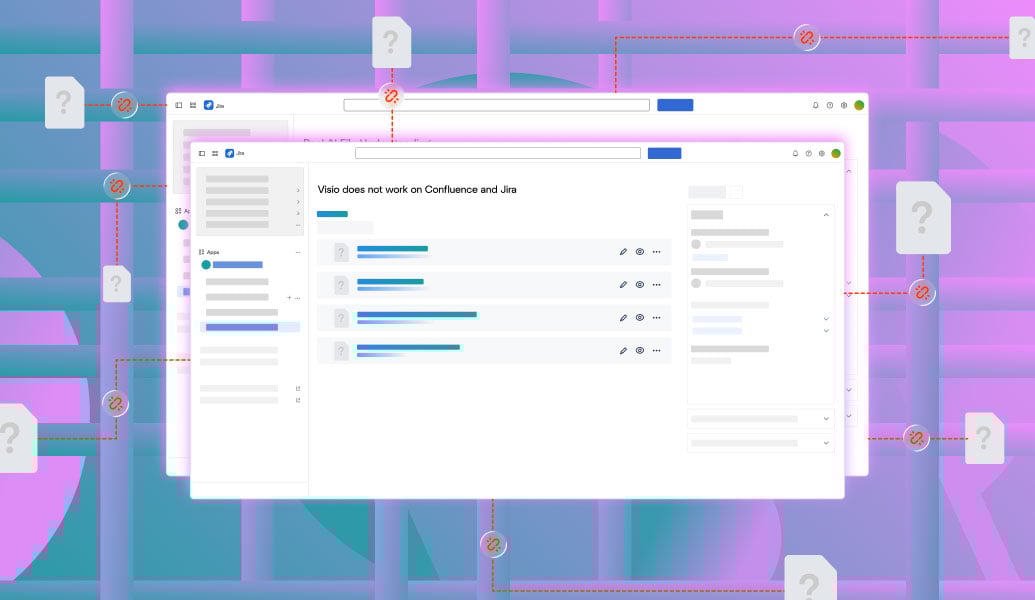
Work on live Visio diagrams from Confluence, not screenshots
Keep one trusted version instead of multiple copies
See Visio where your documentation lives, and extend the same workflow to Jira issues
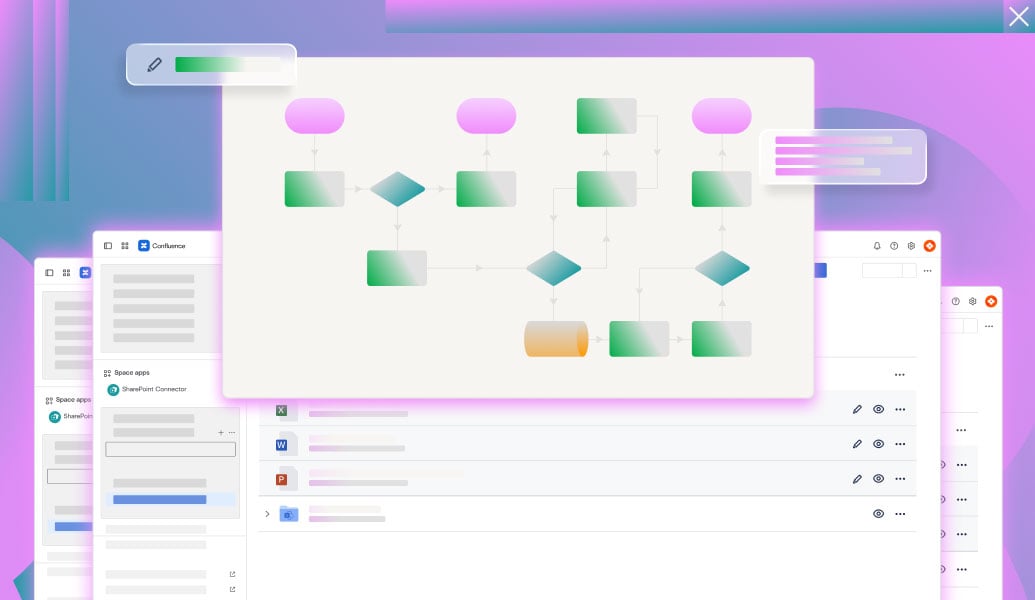
Preview Visio diagrams directly in Confluence pages and Jira issues
Open files from SharePoint or OneDrive without moving them
Edit and save changes without downloads or re-uploads
Keep permissions in sync with Microsoft 365
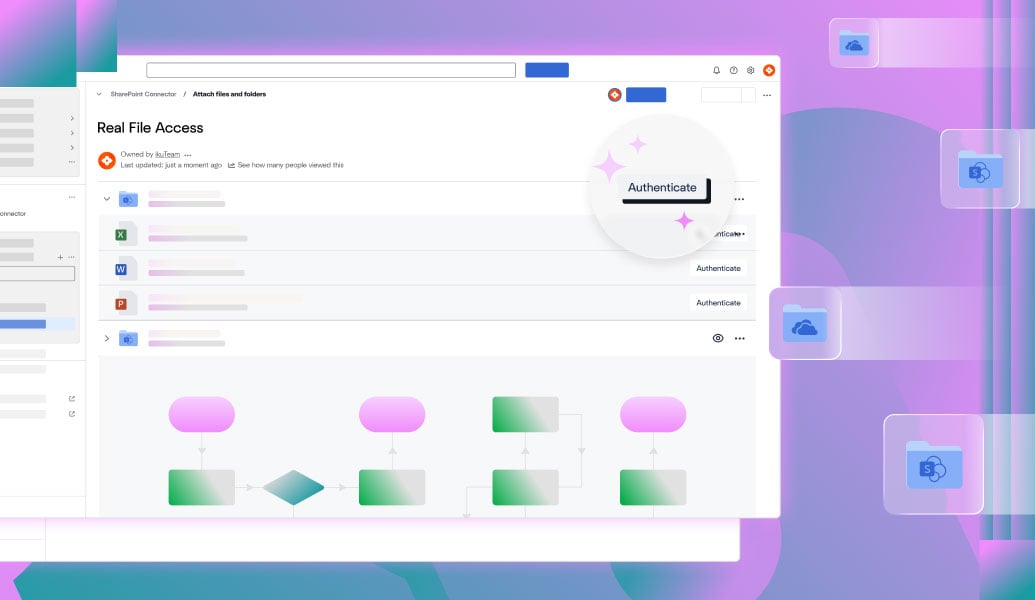
Connect SharePoint or OneDrive and work with live Visio files inside Confluence without copying them.
Learn more
Access and work with Visio files stored in SharePoint or OneDrive directly inside Jira issues.
Learn more
Easily preview and edit Microsoft Visio files in Confluence and Jira with Team Files. Seamless integration with SharePoint and OneDrive for connected teamwork.
Read guide
Bring SharePoint and OneDrive into Confluence with ikuTeam's connector. Preview, edit, and sync files without leaving the page you're working on.
Read guide
Connect SharePoint to Jira with ikuTeam's SharePoint Connector: sync files, automate folders, and collaborate securely across Jira Cloud and Data Center.
Read guide
_2026-03-26_20-48-42-1.png?length=960&name=untitled_Gemini%203%20(Nano%20Banana%20Pro)_2026-03-26_20-48-42-1.png)


