

Confluence Google Drive Integration
Create a single source of truth with seamless syncing and real-time collaboration.
Read more


_2026-03-26_20-48-42-1.png?length=720&name=untitled_Gemini%203%20(Nano%20Banana%20Pro)_2026-03-26_20-48-42-1.png)





















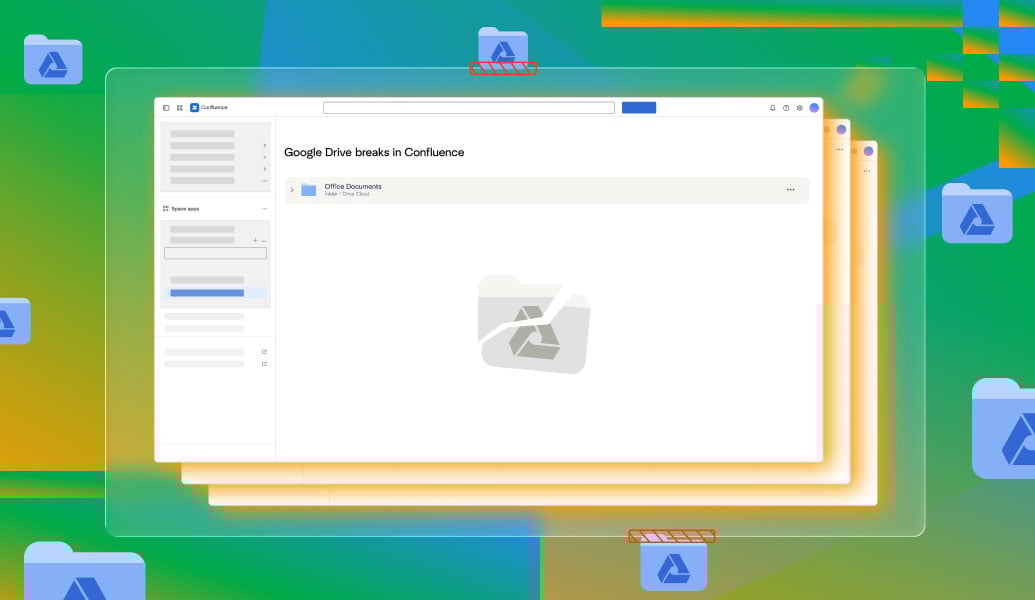
Files live outside the page
Teams paste links or download files to move from Confluence to Google Docs
Previews are limited and not truly editable
Permissions drift between Confluence and Google Drive
There is no single source of truth
Work on live Google Drive files in Confluence, not on copies
Edit real Google Docs in Confluence, not previews
Keep one trusted version from Google Drive
See your content where your documentation lives
Open and work with Google Docs in Confluence
Edit Google Sheets in Confluence for data and reporting
Present Google Slides in Confluence
Browse Drive folders and multiple files from one place
Keep Google Drive permissions in sync
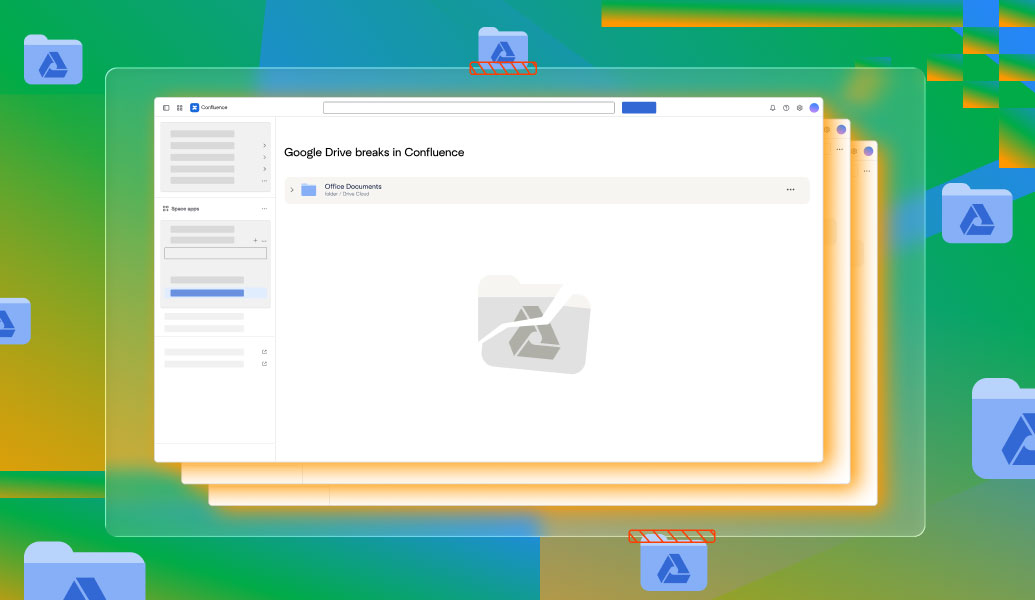
Files live outside the page
Teams paste links or download files to move from Confluence to Google Docs
Previews are limited and not truly editable
Permissions drift between Confluence and Google Drive
There is no single source of truth
Work on live Google Drive files in Confluence, not on copies
Edit real Google Docs in Confluence, not previews
Keep one trusted version from Google Drive
See your content where your documentation lives
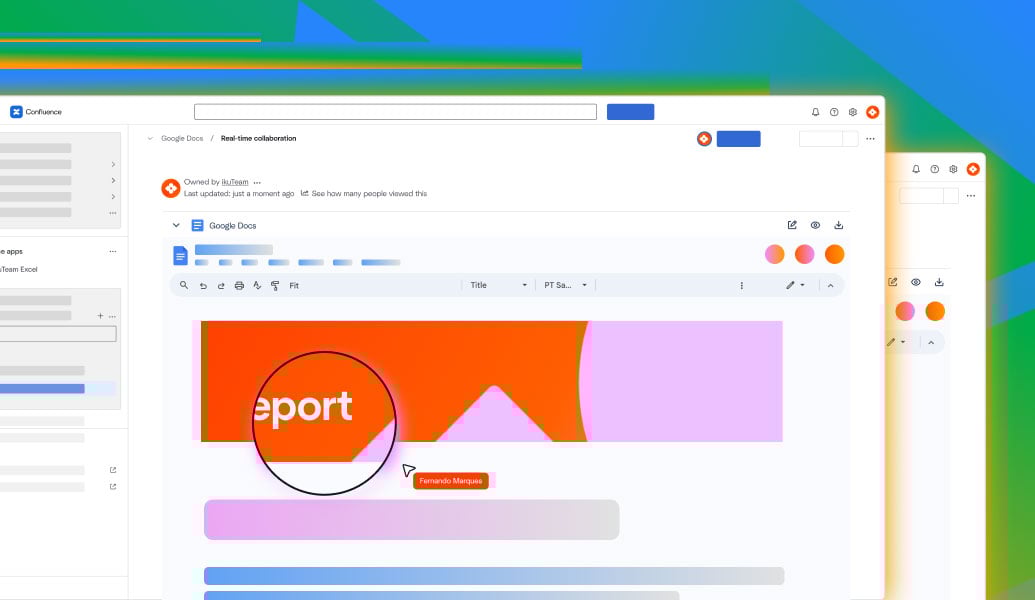
Open and work with Google Docs in Confluence
Edit Google Sheets in Confluence for data and reporting
Present Google Slides in Confluence
Browse Drive folders and multiple files from one place
Keep Google Drive permissions in sync
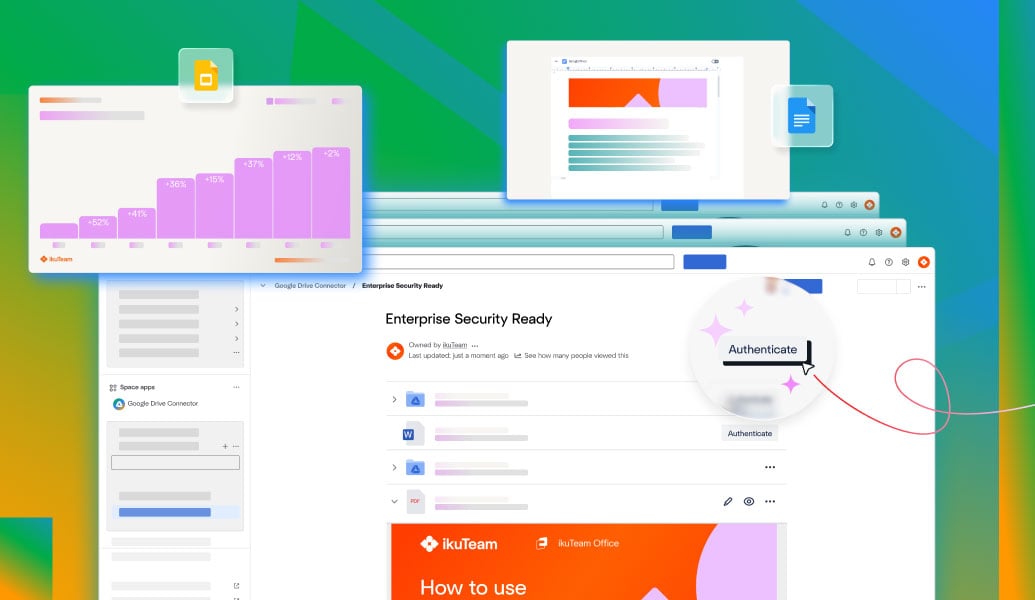
Embed folders and files from Drive with permissions in sync.
Learn more
Work with live spreadsheets synced from Google Drive.
Learn more
Edit and collaborate on Google Docs inside Confluence pages.
Learn more
Connect Confluence and Google Drive with ikuTeam's connector: browse folders, preview files inline, and keep everything in sync.
Read guide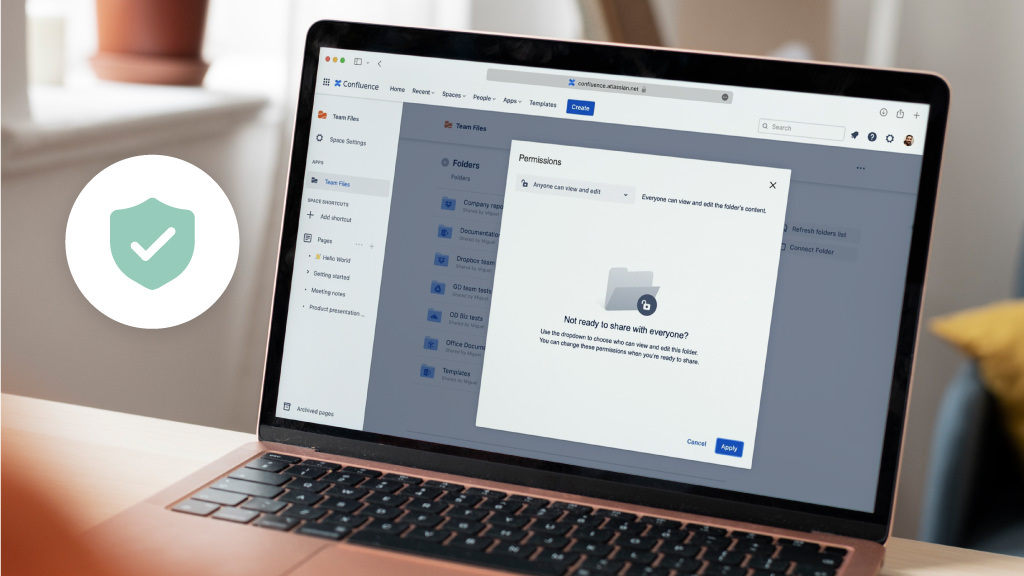
Embed Google Docs in Confluence quickly and securely. Learn the safest methods, plus how to use the Google Docs for Confluence app for real-time collaboration.
Read guide
Learn the easiest and most secure ways to embed Google Sheets in Confluence. Compare methods, fix common issues, and meet the best app for live collaboration.
Read guide
_2026-03-26_20-48-42-1.png?length=960&name=untitled_Gemini%203%20(Nano%20Banana%20Pro)_2026-03-26_20-48-42-1.png)


