

Confluence Google Drive Integration
Create a single source of truth with seamless syncing and real-time collaboration.
Read more


_2026-03-26_20-48-42-1.png?length=720&name=untitled_Gemini%203%20(Nano%20Banana%20Pro)_2026-03-26_20-48-42-1.png)






















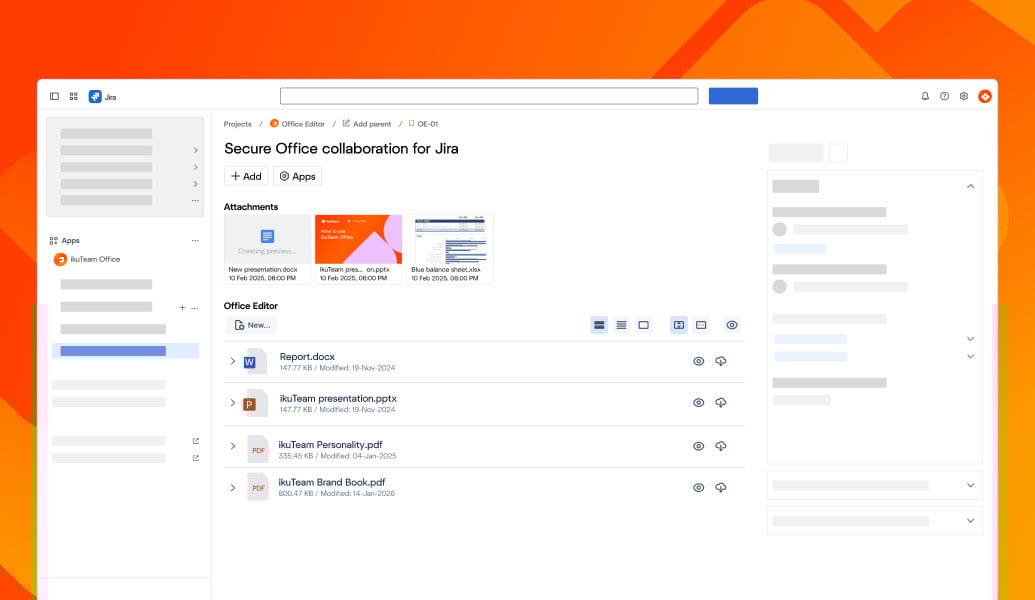
Open Office attachments in Jira issues
Edit Word, Excel, and PowerPoint inline
Create new Office files directly from Jira
Save changes back to the same attachment
Collaborate in real time with your team
No downloads or re-uploads required
Draft and review Word documents directly in Jira issues
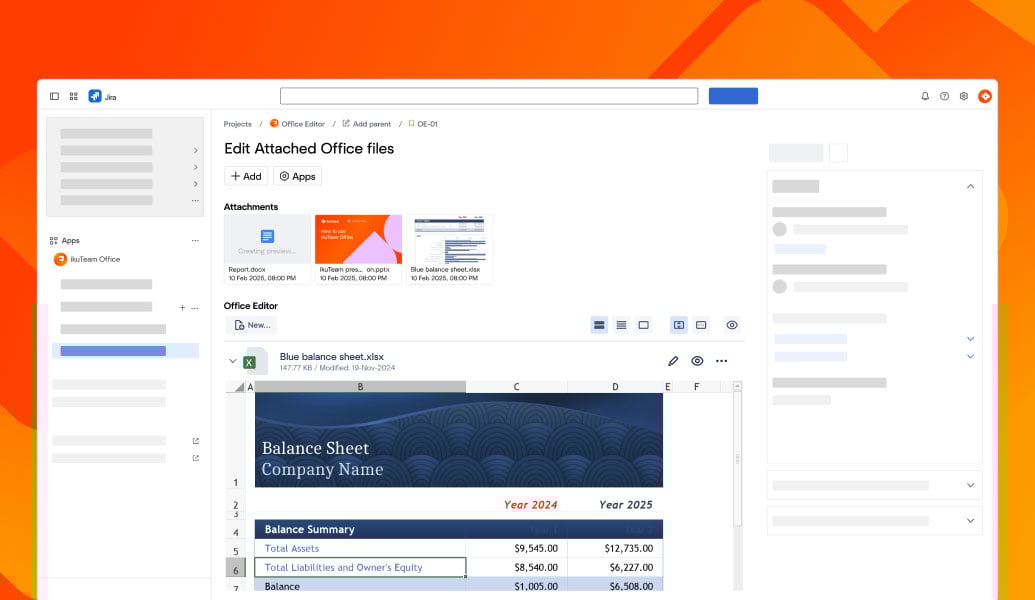
Work with Excel sheets in Jira for tracking, calculations, and reports
Update PowerPoint decks inside tickets for reviews and approvals
Keep one live Office attachment per issue as the single source of truth
Avoid version conflicts by editing the same file in place
Office files follow Jira permissions for secure access control
Built on Atlassian Forge for a secure Office integration in Jira
Cloud Fortified for enterprise-grade reliability and compliance
GDPR-ready architecture designed for regulated and security-focused teams
Files always remain attached to Jira issues
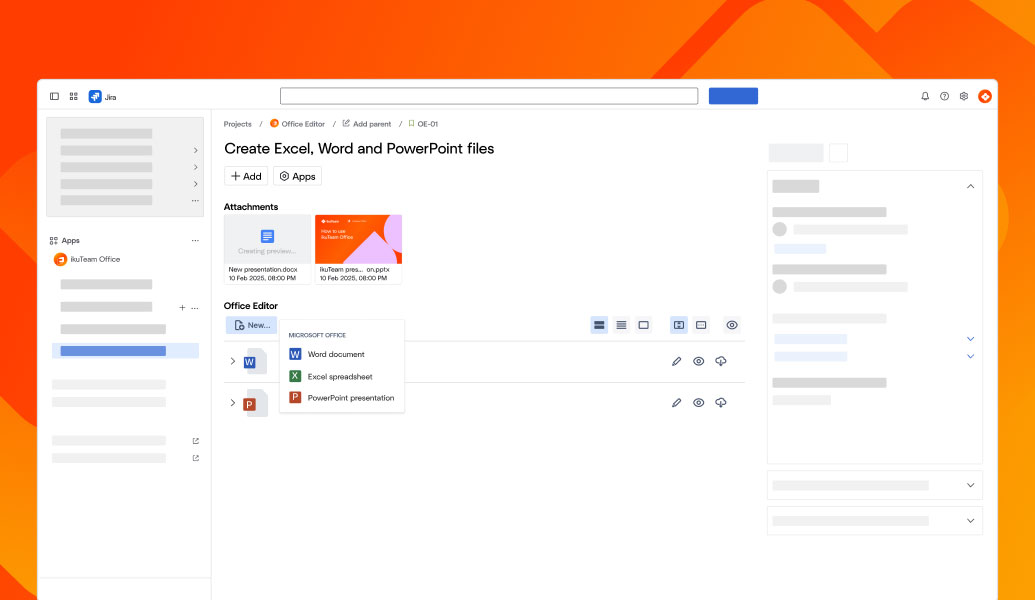
Open Office attachments in Jira issues
Edit Word, Excel, and PowerPoint inline
Create new Office files directly from Jira
Save changes back to the same attachment
Collaborate in real time with your team
No downloads or re-uploads required
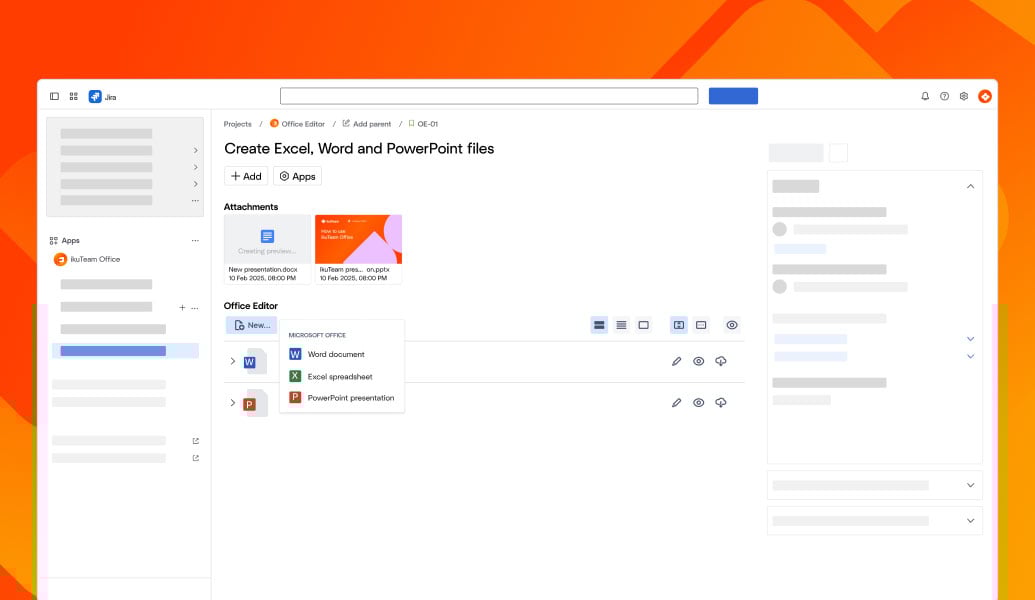
Draft and review Word documents directly in Jira issues
Work with Excel sheets in Jira for tracking, calculations, and reports
Update PowerPoint decks inside tickets for reviews and approvals
Keep one live Office attachment per issue as the single source of truth
Avoid version conflicts by editing the same file in place
Office files follow Jira permissions for secure access control
Built on Atlassian Forge for a secure Office integration in Jira
Cloud Fortified for enterprise-grade reliability and compliance
GDPR-ready architecture designed for regulated and security-focused teams
Files always remain attached to Jira issues

"A well-designed replacement for Jira attachments that allows them to be stored in Drive instead."

Ben Ernest-Jones
Chief Product & Technology Officer
Quod Financial

“It delivered exactly what I needed: the ability to edit documents directly in Jira. When I encountered a minor issue, the support team was quick and personal.”
.jpg?width=637&height=637&name=5bf1f7cd6d024e206461bb547c9fe371dc8369a9%20(1).jpg)
Elizabeth Pfotzer,
Jira Administrator
LA County Metro Transit Authority

“Great app. A key step toward our single source of truth strategy. Support was fast, and our issue was resolved within days.”
-2.png?width=68&height=68&name=eyJwYXRoIjoic2Nod2VpemVyaXNjaGVzLXJvdGVzLWtyZXV6XC9maWxlXC9iU1ZQZjU1OHE1bm9pRlNMWThQZi5qcGcifQschweizerisches-rotes-kreuzxTpxDkc2wR9idlKEwb9wa6i4jEvt3S7mStamTRuMK0Y%20(1)-2.png)
Jonas Reusser
Head of IT
Swiss Red Cross
Edit Word, Excel, PowerPoint, and PDFs directly inside Confluence for complete Office document workflows.
Learn more
Connect SharePoint and OneDrive to Jira so teams can attach and work with Microsoft 365 files while keeping SharePoint as the system of record.
Learn more
Work with Excel spreadsheets in Confluence for reporting, planning, and analysis alongside your Jira workflows.
Learn more
_2026-03-26_20-48-42-1.png?length=960&name=untitled_Gemini%203%20(Nano%20Banana%20Pro)_2026-03-26_20-48-42-1.png)


