team-files-vs-confluence-1
Confluence Smart Links Explained
See how they work, where they fail with external files, and more secure, consistent management alternatives.
Read more
untitled_Flux 2 Pro_2026-03-26_21-41-00
Jira SharePoint Integration
Discover how to sync files, automate folders, and enhance collaboration in Jira Cloud and Data Center.
Read more
Porto-pic
About us
From the start, our goal has been to remove the hidden friction that prevents teammates from collaborating easily on the files that matter most. We believe productivity is not about adding more tools but making the ones you already use work together seamlessly. Based in Porto, ikuTeam builds the invisible layer for the Atlassian ecosystem to dissolve file silos and help over a million users stay focused and move faster.
Read more
team-files-vs-confluence-1

Confluence Smart Links Explained

See how they work, where they fail with external files, and more secure, consistent management alternatives.
Read more
untitled_Flux 2 Pro_2026-03-26_21-41-00

Jira SharePoint Integration

Discover how to sync files, automate folders, and enhance collaboration in Jira Cloud and Data Center.
Read more

About us

From the start, our goal has been to remove the hidden friction that prevents teammates from collaborating easily on the files that matter most. We believe productivity is not about adding more tools but making the ones you already use work together seamlessly. Based in Porto, ikuTeam builds the invisible layer for the Atlassian ecosystem to dissolve file silos and help over a million users stay focused and move faster.
Read more
Porto-pic
ikuTeam-ROVO-Icon

AI File Summarization in Jira and Confluence

Unlocked with the ikuTeam Files app, the ikuTeam Files Agent lets you summarize, extract insights, and pull action items from local attachments and unattached cloud files directly inside Jira and Confluence.

Why attachments slow teams down in Jira and Confluence

  • Teams spend hours reading long files

  • Important details get missed

  • Context is lost between toolsDecisions are delayed

  • There is no fast way to extract insights

Turn long files into clear, actionable insights

  • Understand files in seconds with AI summarization

  • Get a Jira AI summary that highlights key points and action items automatically

  • Stay in context inside Jira and Confluence

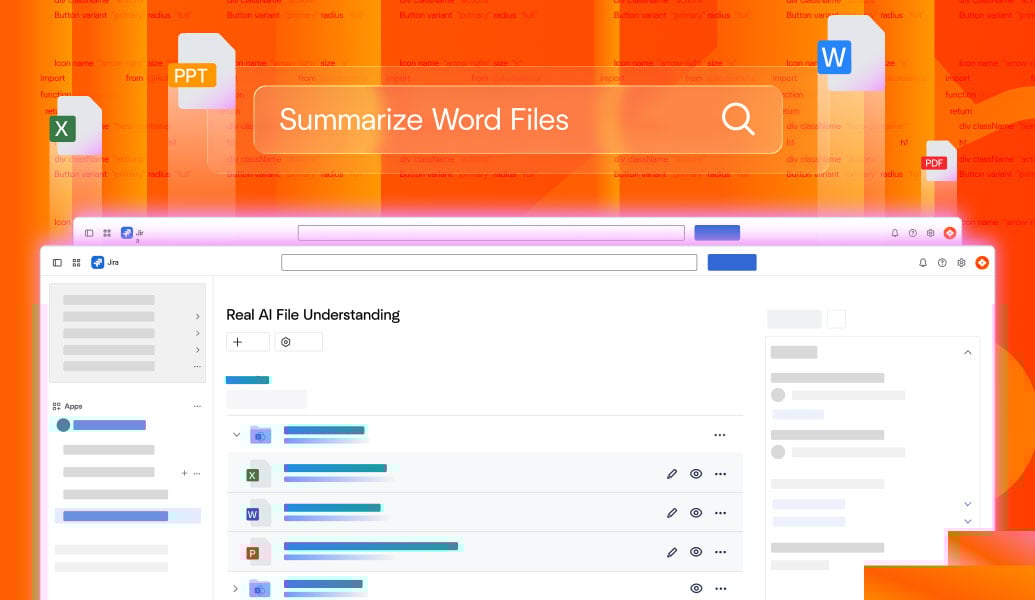
Real AI file understanding inside Jira and Confluence

  • Summarize PDFs, Word, Excel, and PowerPoint files

  • Ask questions about file content and get instant answers

  • Generate highlights and key insights automatically

  • Works directly in Jira issues and Confluence pages

AI-Files-Summarization---Solutions-by-workflow---1

ikuTeam Files Agent FAQs

With the ikuTeam Files app installed, the ikuTeam Files Agent lets you summarize attachments and unattached cloud files directly inside your Jira issues. Simply use the agent on any file to get instant summaries, key insights, and action items without leaving your workflow.

Yes. With the ikuTeam Files app installed, the ikuTeam Files Agent lets you summarize both page attachments and unattached cloud files directly within Confluence, giving you instant insights without downloading or opening the documents.

The ikuTeam Files Agent supports popular document formats including PDFs, Word documents, Excel spreadsheets, PowerPoint presentations, and plain text files. It works on local attachments as well as unattached cloud files from SharePoint, OneDrive, Google Drive, Box, Dropbox, and Egnyte.
es. The ikuTeam Files Agent only processes files that the user already has permission to access. Existing Jira and Confluence access controls, as well as permissions from connected cloud storage providers, are fully respected.
Yes. With the ikuTeam Files app installed, the ikuTeam Files Agent lets you ask specific questions about any local attachment or unattached cloud file in SharePoint, OneDrive, Google Drive, Box, Dropbox, or Egnyte, giving you grounded answers based directly on the document content.

AI insights by team

Software Teams

Summarize specs, logs, and technical documents to move faster and reduce review time.

IT & Ops Teams

Understand policies, incident reports, and compliance files without manual reading.

Product Teams

Extract insights from PRDs, research, and roadmaps to make better decisions.

Project Teams

Summarize status reports, contracts, and planning documents to keep projects on track.

Marketing Teams

Quickly understand briefs, reports, and campaign assets to accelerate content workflows.

Design Teams

Summarize feedback, requirements, and documentation linked to creative assets.