

Confluence Google Drive Integration
Create a single source of truth with seamless syncing and real-time collaboration.
Read more


_2026-03-26_20-48-42-1.png?length=720&name=untitled_Gemini%203%20(Nano%20Banana%20Pro)_2026-03-26_20-48-42-1.png)






















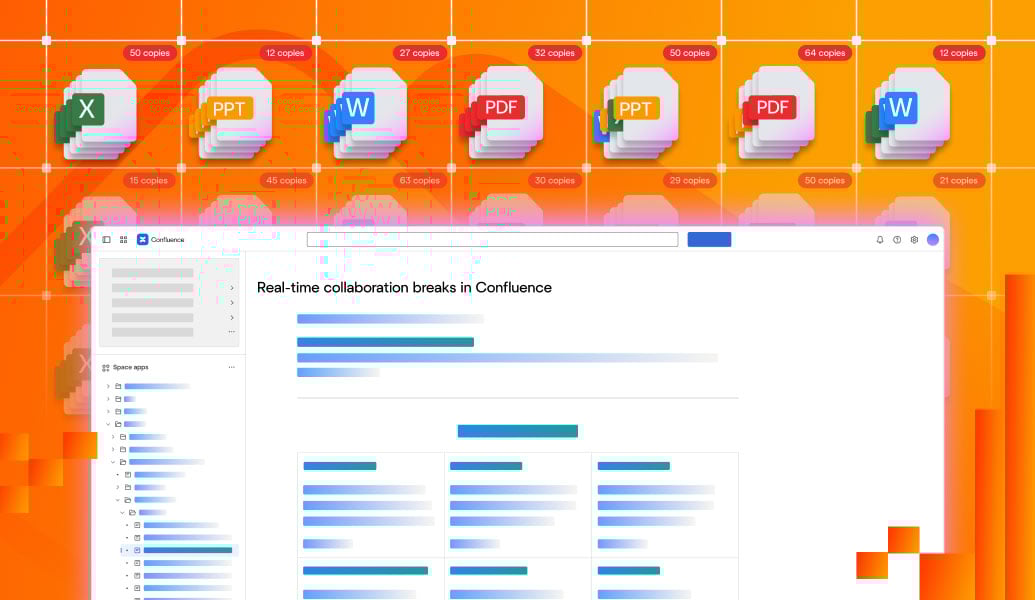
Only one person can edit at a time
Files become email attachments or downloads
Teams overwrite each other’s work
Versions drift across copies
Feedback is scattered and hard to track
Multiple users edit at the same time
One shared version for everyone
Changes appear instantly as teammates work
All collaboration stays in context on the page
Co-edit Word, Excel, and PowerPoint files together
See changes instantly as others work
Comment and review directly in the document
Save automatically without downloads or reuploads
Work in Confluence pages and Jira issues

Only one person can edit at a time
Files become email attachments or downloads
Teams overwrite each other’s work
Versions drift across copies
Feedback is scattered and hard to track
Multiple users edit at the same time
One shared version for everyone
Changes appear instantly as teammates work
All collaboration stays in context on the page

Co-edit Word, Excel, and PowerPoint files together
See changes instantly as others work
Comment and review directly in the document
Save automatically without downloads or reuploads
Work in Confluence pages and Jira issues
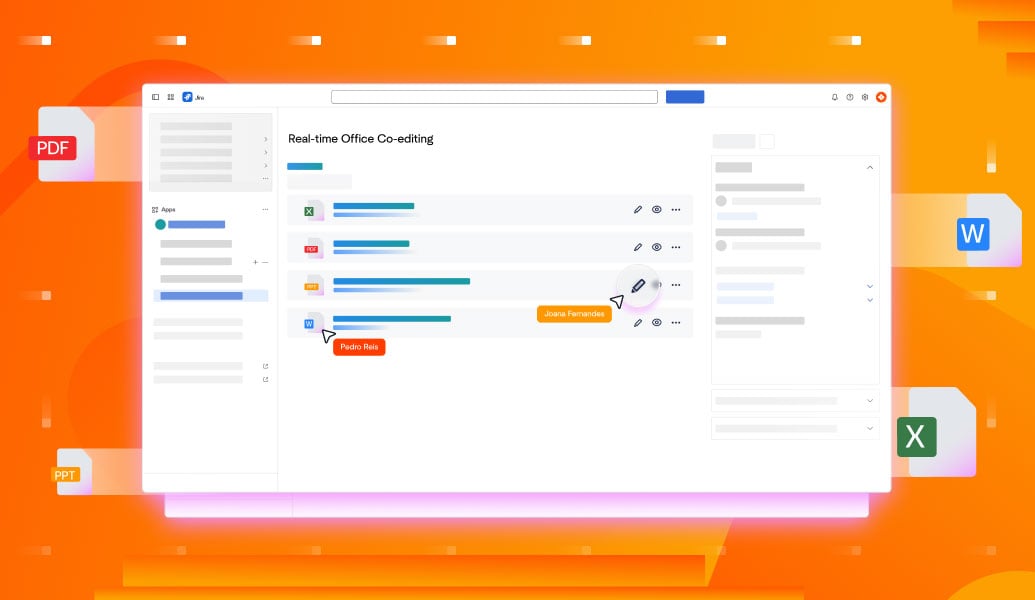
Real-time co-editing on Word, Excel, and PowerPoint files directly inside Confluence pages.Learn more
Learn more
Real-time co-editing on Word, Excel, and PowerPoint files directly inside Jira issues.Learn more
Learn more
Edit Word, Excel, and PowerPoint directly in Confluence. No downloads or duplicates. Real-time co-editing with one always up-to-date version.
Read guide
Edit and collaborate on Word, Excel, and PowerPoint files directly in Jira with Office Editor by ikuTeam. No Microsoft 365 license required.
Read guide
Learn how to use Confluence as a document management system. Best practices, native features, limitations, and how to scale with files and governance.
Read guide
_2026-03-26_20-48-42-1.png?length=960&name=untitled_Gemini%203%20(Nano%20Banana%20Pro)_2026-03-26_20-48-42-1.png)


