

Confluence Google Drive Integration
Create a single source of truth with seamless syncing and real-time collaboration.
Read more


_2026-03-26_20-48-42-1.png?length=720&name=untitled_Gemini%203%20(Nano%20Banana%20Pro)_2026-03-26_20-48-42-1.png)






















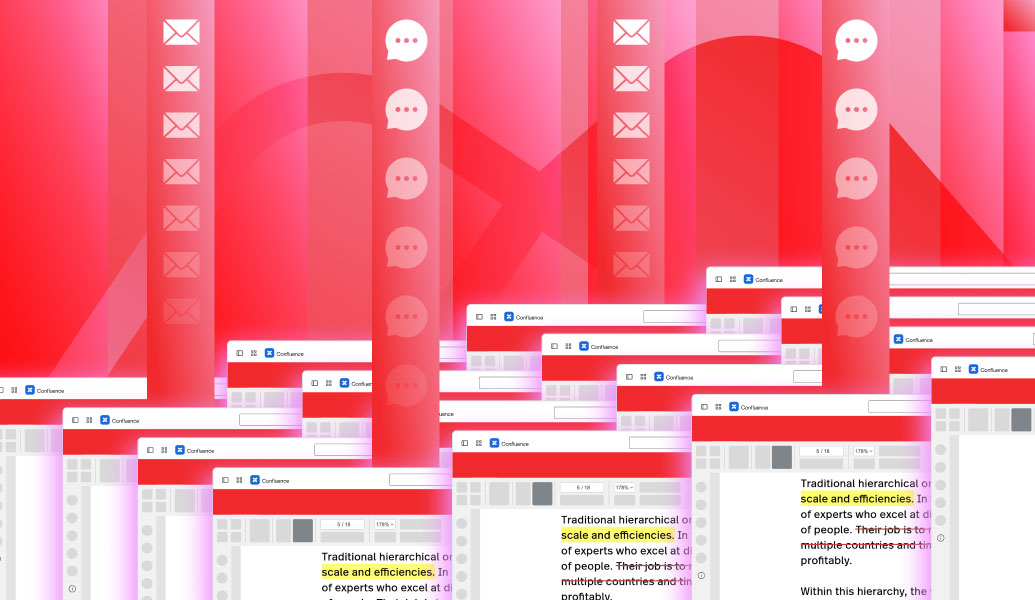
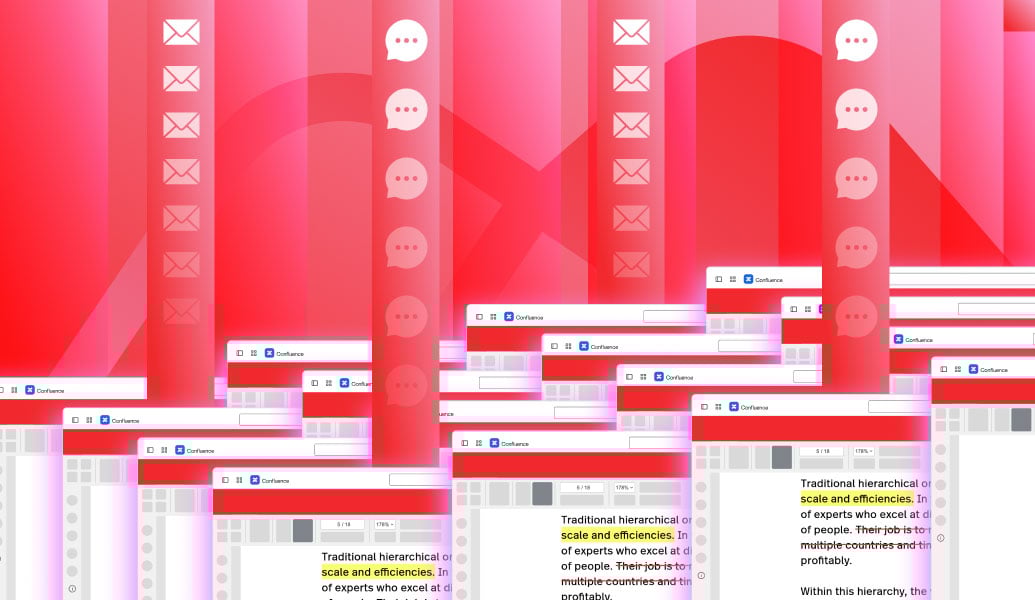
PDFs open in new tabs or must be downloaded
Teams review files outside the page context
Comments live in emails or chat instead of the document
Versions drift across copies
There is no shared review space
Keep PDFs visible on the page
One shared version for review
Collaborate in context
Faster feedback cycles
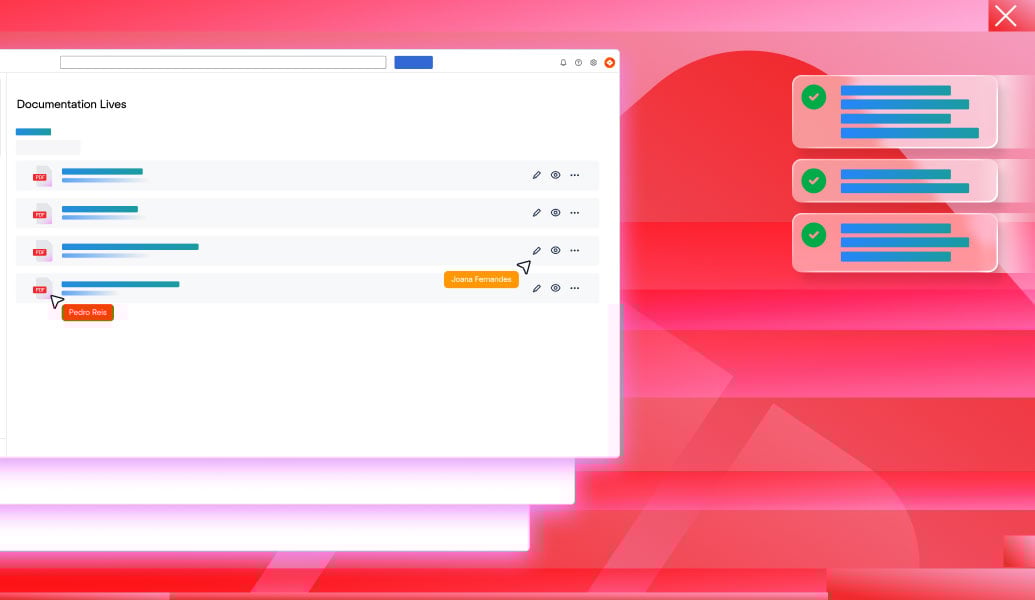
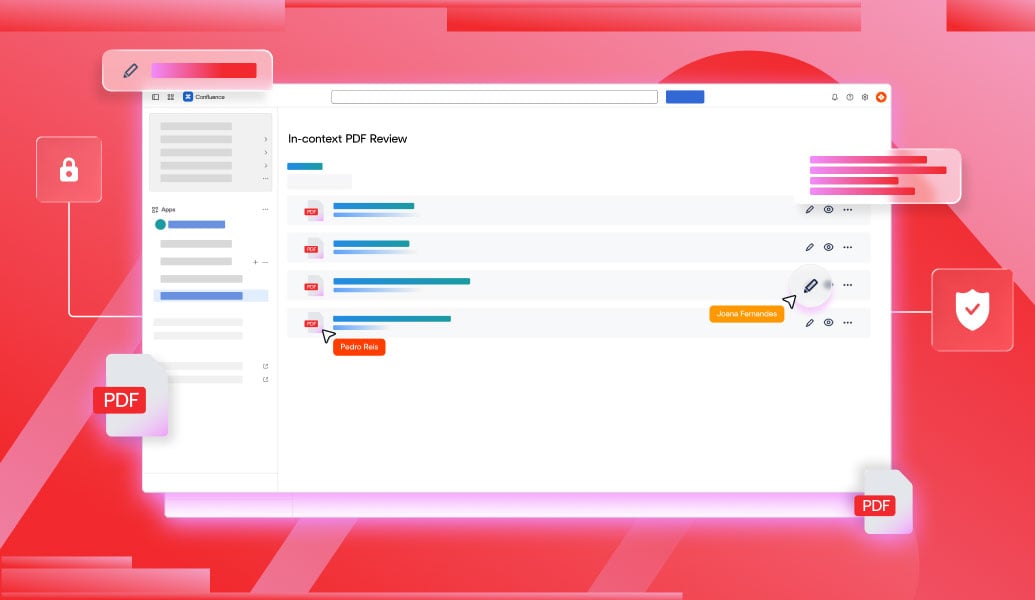
View PDFs directly inside Confluence pages
Add comments and highlights for clear feedback
Share review notes in one place
Keep documents linked to their source
Track review history for accountability
PDFs open in new tabs or must be downloaded
Teams review files outside the page context
Comments live in emails or chat instead of the document
Versions drift across copies
There is no shared review space
Keep PDFs visible on the page
One shared version for review
Collaborate in context
Faster feedback cycles
View PDFs directly inside Confluence pages
Add comments and highlights for clear feedback
Share review notes in one place
Keep documents linked to their source
Track review history for accountability
Review and annotate PDF files that are attached directly to Confluence pages.
Learn more
Work with live Excel spreadsheets inside Confluence pages.
Learn more
Edit Word, Excel, and PowerPoint files attached to Confluence pages.
Learn more
Learn how to upload, embed, preview, and edit PDFs in Confluence. Includes native tools and ikuTeam's PDF for Confluence app for seamless collaboration.
Read guide
Learn how to attach, manage, and edit files in Confluence, fix common issues, and use ikuTeam Files to work with SharePoint or Google Drive securely.
Read guide
Learn how to embed Excel in Confluence with previews, interactive tables, and real editing. Improve collaboration and keep data accurate.
Read guide
_2026-03-26_20-48-42-1.png?length=960&name=untitled_Gemini%203%20(Nano%20Banana%20Pro)_2026-03-26_20-48-42-1.png)


