team-files-vs-confluence-1
Confluence Smart Links Explained
See how they work, where they fail with external files, and more secure, consistent management alternatives.
Read more
untitled_Flux 2 Pro_2026-03-26_21-41-00
Jira SharePoint Integration
Discover how to sync files, automate folders, and enhance collaboration in Jira Cloud and Data Center.
Read more
Porto-pic
About us
From the start, our goal has been to remove the hidden friction that prevents teammates from collaborating easily on the files that matter most. We believe productivity is not about adding more tools but making the ones you already use work together seamlessly. Based in Porto, ikuTeam builds the invisible layer for the Atlassian ecosystem to dissolve file silos and help over a million users stay focused and move faster.
Read more
team-files-vs-confluence-1

Confluence Smart Links Explained

See how they work, where they fail with external files, and more secure, consistent management alternatives.
Read more
untitled_Flux 2 Pro_2026-03-26_21-41-00

Jira SharePoint Integration

Discover how to sync files, automate folders, and enhance collaboration in Jira Cloud and Data Center.
Read more

About us

From the start, our goal has been to remove the hidden friction that prevents teammates from collaborating easily on the files that matter most. We believe productivity is not about adding more tools but making the ones you already use work together seamlessly. Based in Porto, ikuTeam builds the invisible layer for the Atlassian ecosystem to dissolve file silos and help over a million users stay focused and move faster.
Read more
Porto-pic
ikuTeam-Files-Icon-1
ikuTeam-Office-Icon-1

File Management in Jira and Confluence

Manage files and attachments across Jira and Confluence so everything stays visible, linked, and in context, without downloads or duplicate copies. Meet the complete file management solution for Jira and Confluence teams.

Why file management breaks in Jira and Confluence

  • Attachments are scattered across pages and issues

  • Files must be downloaded to be used

  • Teams cannot display attachments on pages

  • Links between Jira and Confluence break

  • There is no single source of truth

Files where your work happens

  • Keep files visible in Jira and Confluence

  • One trusted version, not multiple copies

  • Work in context, not across tools

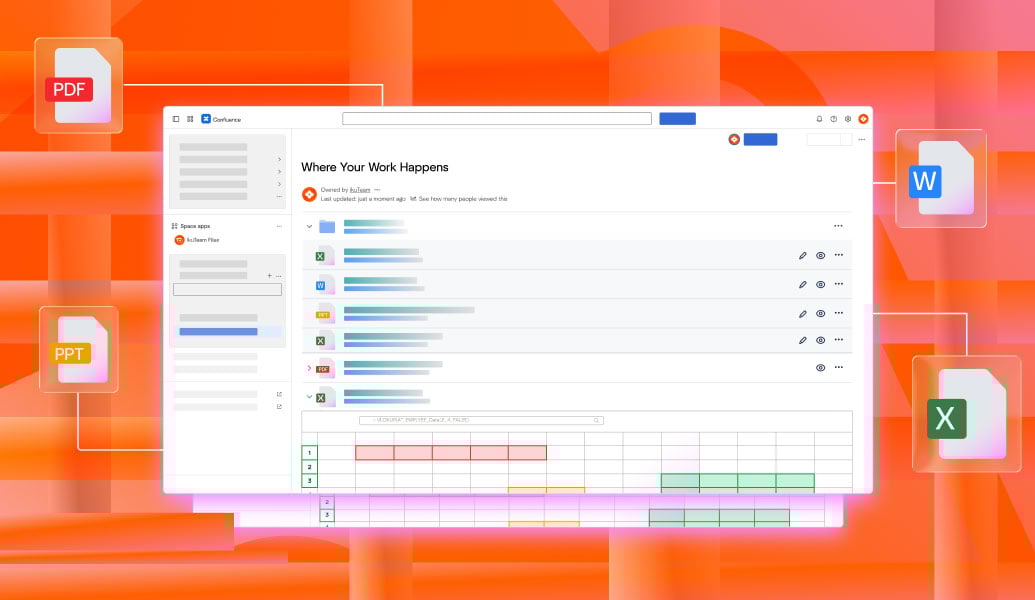
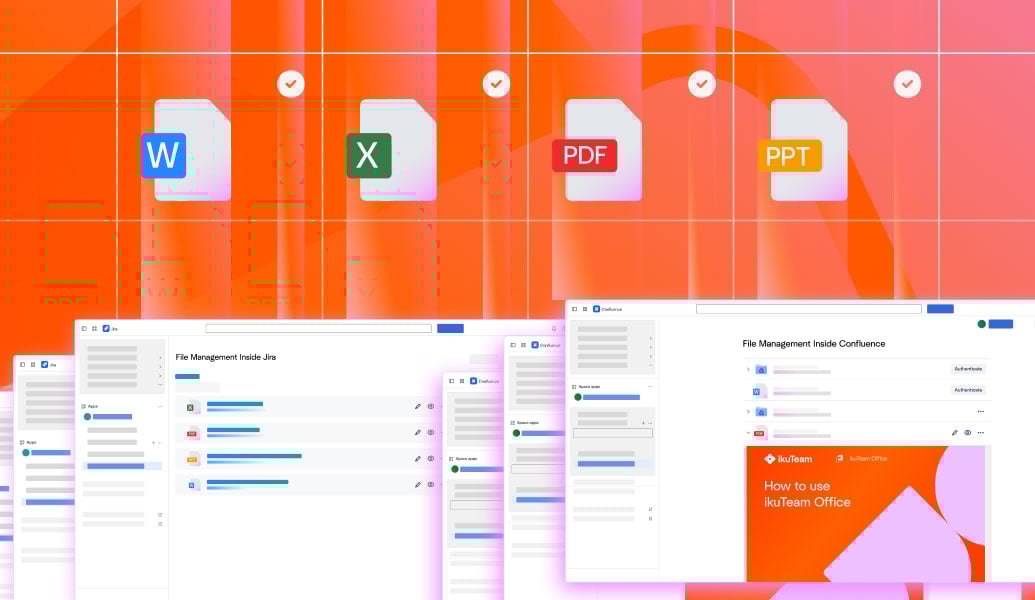
Manage files inside Jira and Confluence

  • Attach and reference files in pages and issues

  • Display attachments directly where work happens

  • Link files between Jira and Confluence

  • Track files in context

File-Management---Solutions-by-workflow---1

File Management in Jira and Confluence FAQs

You can manage attachments in Confluence by keeping files linked to pages so they stay visible, traceable, and connected to the work they support.
Yes. Attachments can be shown directly on a page so teams can view and access files without downloading them.
You can link files between Jira and Confluence so the same document is referenced in issues and pages, keeping everything in sync.
Files in Jira can be attached to issues and linked to related Confluence pages so they remain part of the workflow.
No. Files can stay visible and accessible in context without requiring downloads.

File management use cases by team

Software Teams

Keep specs, test evidence, and architecture files linked to Jira issues and Confluence pages so developers always work with the right documents.

IT & Ops Teams

Centralize policies, runbooks, and incident files so operational knowledge stays connected and auditable across Jira and Confluence.

Product Teams

Link PRDs, roadmaps, and research files directly to product documentation and delivery tickets for full visibility.

Project Teams

Manage plans, budgets, and status files across Jira and Confluence without duplicating documents or losing context.

Marketing Teams

Attach briefs, campaign assets, and approvals to the pages and issues where work happens so nothing gets lost.

Design Teams

Connect mockups, feedback files, and exports to Confluence pages and Jira issues to streamline collaboration.