Confluence Google Drive Integration
Create a single source of truth with seamless syncing and real-time collaboration.
Read more


_2026-03-26_20-48-42-1.png?length=720&name=untitled_Gemini%203%20(Nano%20Banana%20Pro)_2026-03-26_20-48-42-1.png)


When we first designed the ikuTeam Files app, our primary goal was to make it as easy as possible for teams to work together, helping them create a single source of truth with everything they were already using. Now it's time to give power to admins while keeping ikuTeam Files' ease of use.
Every company is unique and has its own rules and conventions that scale with the company's size. Since day one, we had options for admins to control how the app works, but as time passed, we got feedback from admins and managers asking for further ways to tailor the app experience.
In the last months, we focused on developing a new set of features that largely amplify what can be defined, truly bringing endless possibilities on how admins can tailor the ikuTeam Files experience.
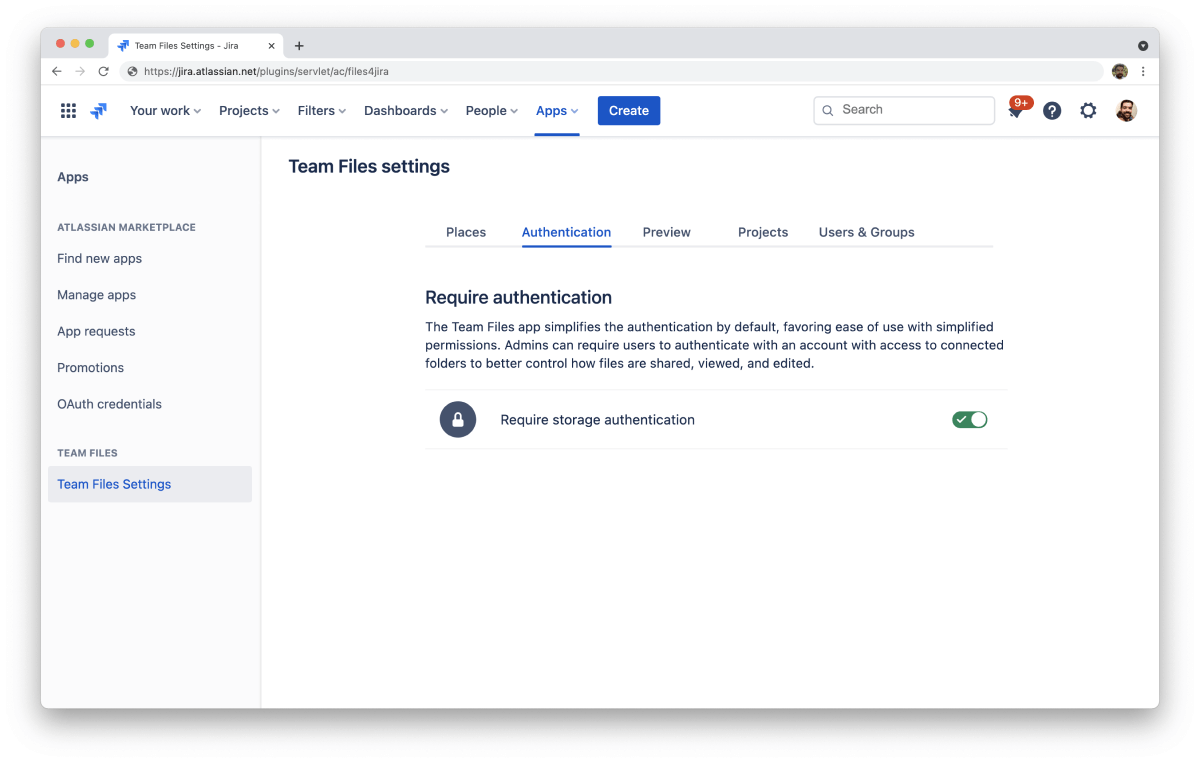
By default, the ikuTeam Files app simplifies the authentication process, favoring ease of use with simplified permissions, following our main goal of making the app as easy as possible to use.
The permissions system of ikuTeam Files allowed users to restrict access when needed but couldn’t replicate permissions already set on SharePoint or other storages.
Now Admins can require users to authenticate with an account with access to connected folders with the new authentication option. This means that all permissions set for the storage will automatically be applied in ikuTeam Files, for all interactions with the connected folders, from browsing and previewing to editing files.
Bear in mind that this new feature improves on many levels the previous option, now retired, we had for editing documents with SharePoint and OneDrive. On top of that, it’s now available for all storage options.
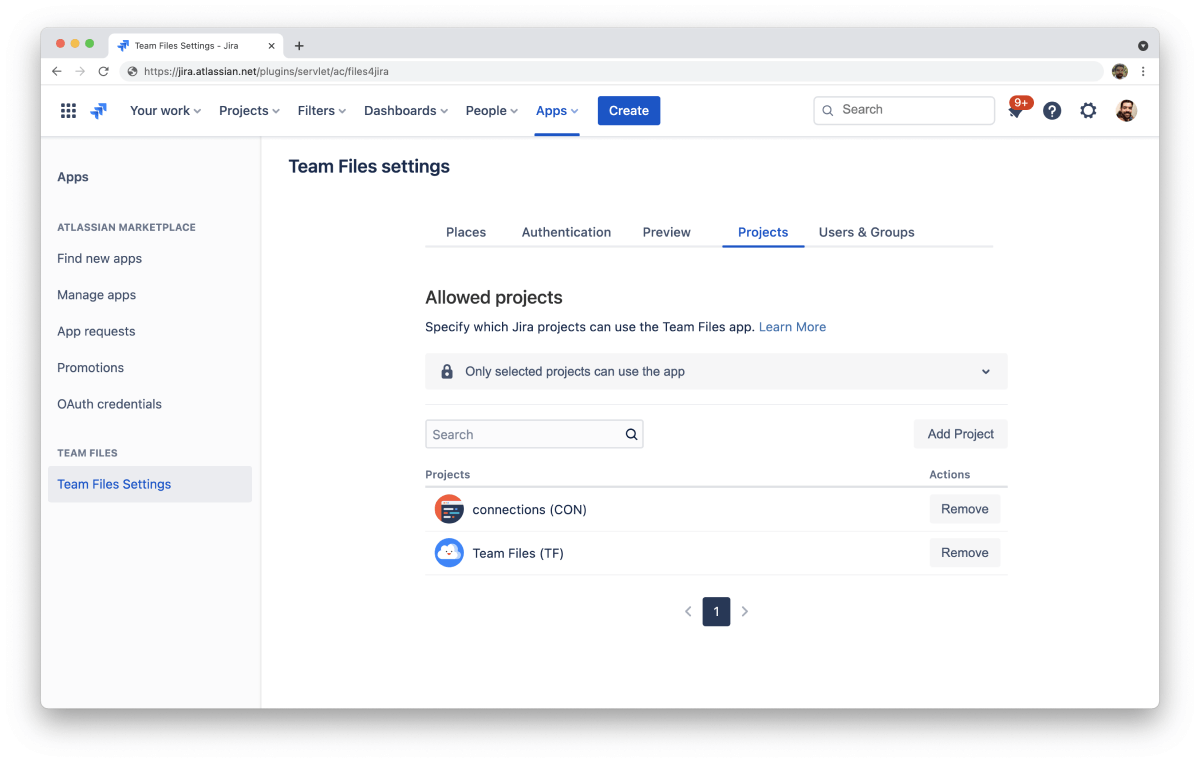
Not all projects and spaces may require the ikuTeam Files app, so now admins can also pick which Jira projects and Confluence spaces have access to ikuTeam Files.
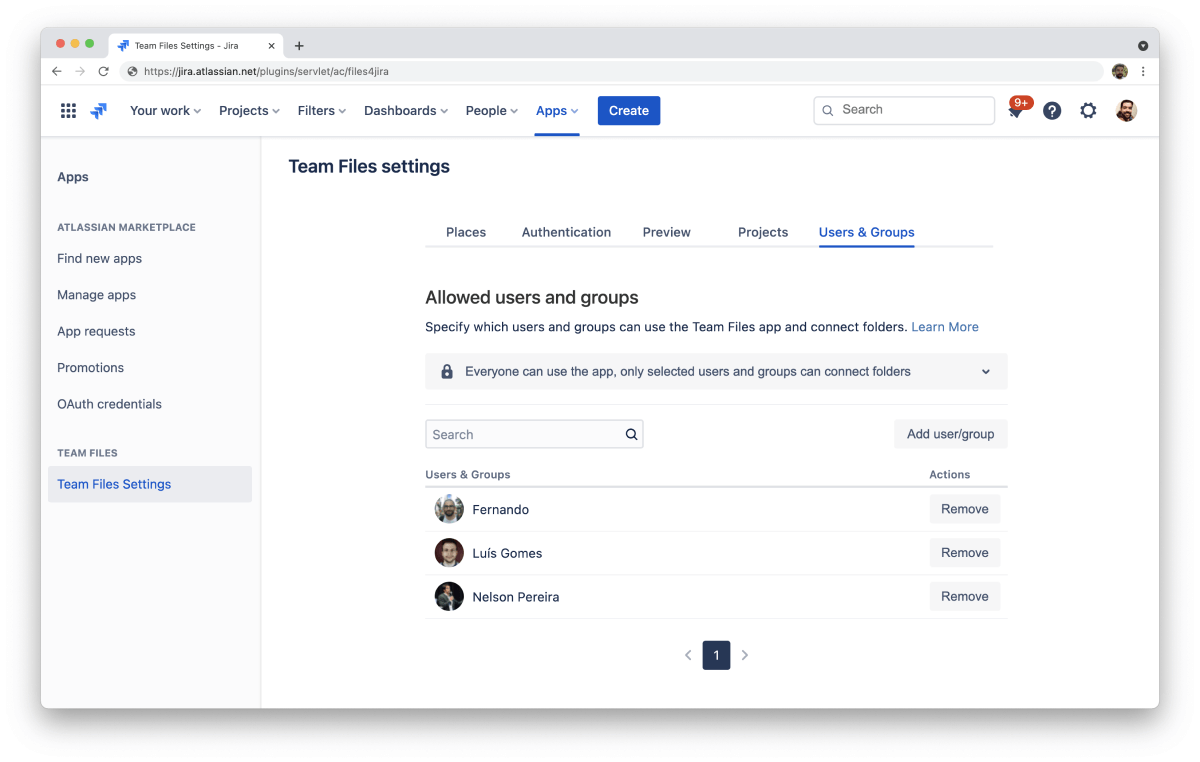
In bigger teams, it might be useful that only specific people can connect folders or even determine which users have access to the app. And that’s exactly what Admins can do with the “Allowed Users/Groups” Feature.
The new features are already available in the latest version of ikuTeam Files, listed on the Atlassian Marketplace. If you never used the ikuTeam Files app or your company required more control, now it’s a great time to start a free trial. Please give it a go and let us know what you and your team think.
ikuTeam Files for Confluence on the Atlassian Marketplace
ikuTeam Files for Jira on the Atlassian Marketplace
If you need more details on how these features work or would like to know more about the ikuTeam Files app, you can book a quick demo here.

_2026-03-26_20-48-42-1.png?length=960&name=untitled_Gemini%203%20(Nano%20Banana%20Pro)_2026-03-26_20-48-42-1.png)