

Confluence Google Drive Integration
Create a single source of truth with seamless syncing and real-time collaboration.
Read more


Learn how to edit documents on Confluence with the Google Drive Connector for Confluence app.
We'll cover the different ways to edit your documents in Confluence using the Google Drive Connector for Confluence app, building on what's covered in the file manager page.
Some files, like images, are preview-only. But you can edit the most popular Microsoft Office and OpenOffice formats and PDF files right inside Confluence: no downloading a copy to edit, no re-uploading, no locking other people out while you work.
That's what makes your Confluence pages a real single source of truth: content that stays accessible, up to date, and editable, all in one place.
You can edit a document from the file manager (including the full-screen preview), or edit documents attached directly to your pages.
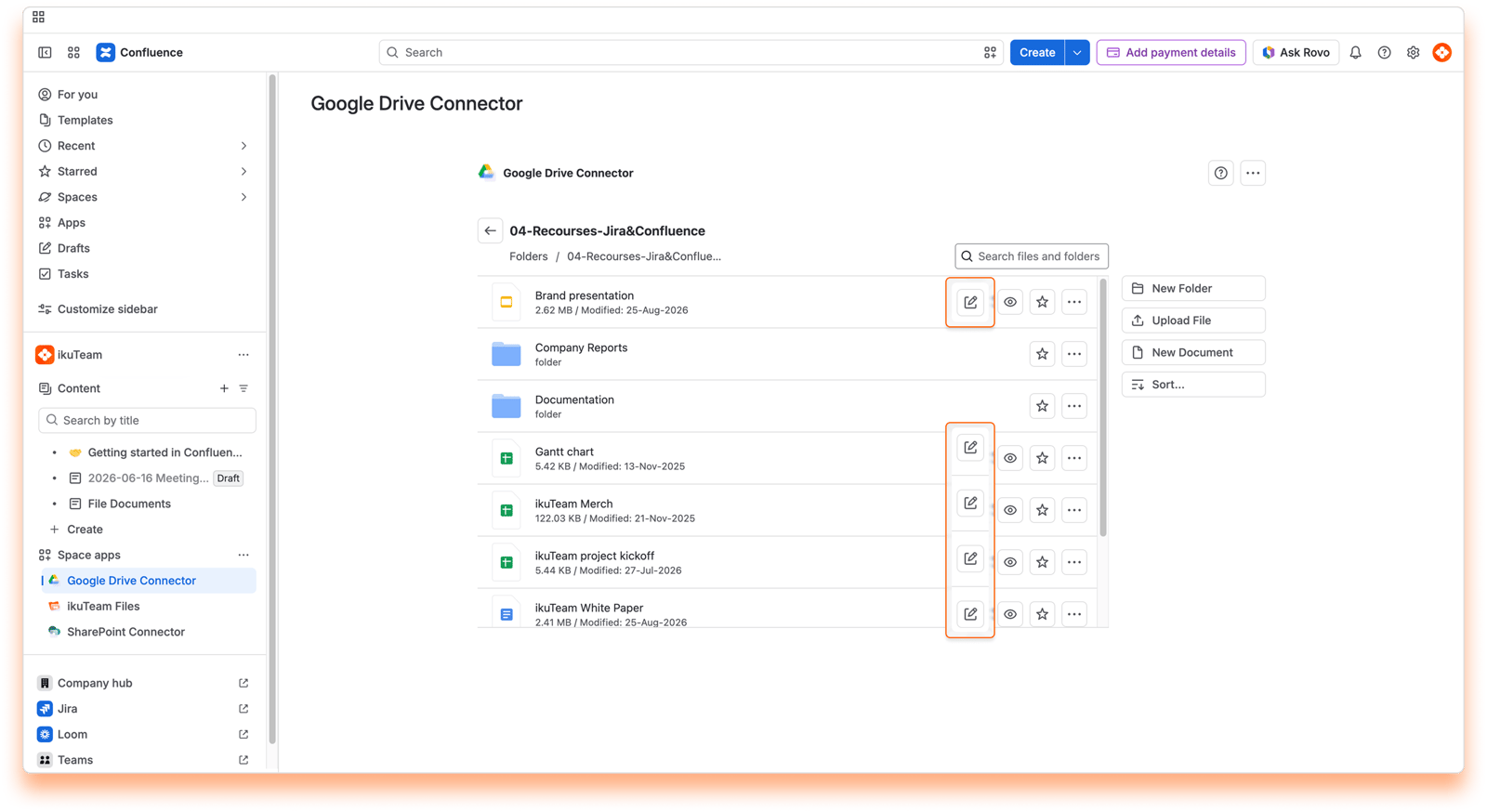
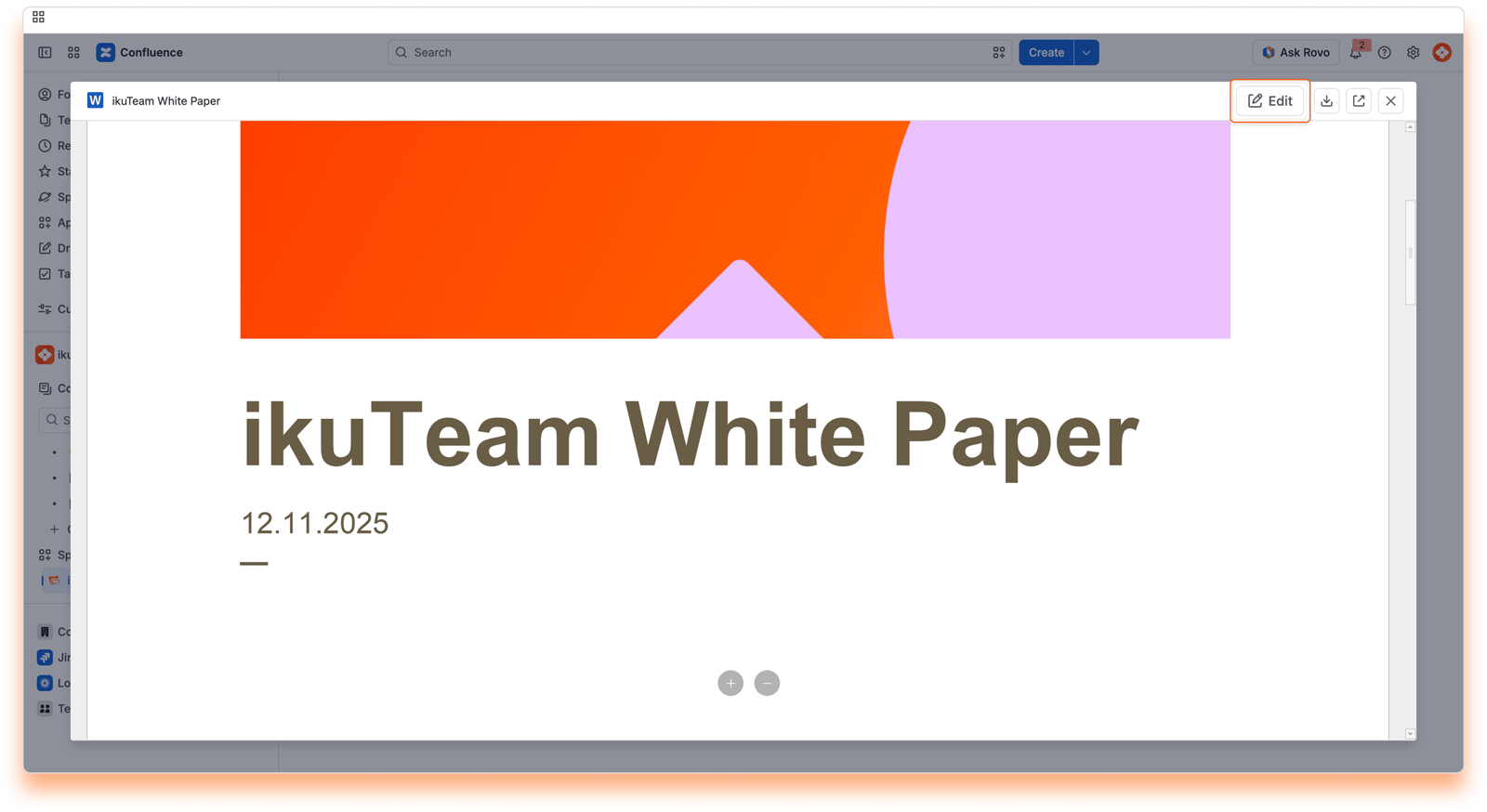
Regardless of where you start, Google Docs, Sheets and Slides open in Google's editor in a new browser tab, with real-time collaboration and autosave built in.
For Microsoft Office and OpenOffice files, click Edit, and the ikuTeam Office engine opens on the same tab, right inside Confluence, with Mirror Storage Permissions ON or OFF, so you can start working in seconds.
OpenOffice documents work the same way as Microsoft Office documents, using the ikuTeam Office engine, and support real-time collaboration.
With the Advanced Edition of the Google Drive Connector for Confluence app, you can also edit, annotate and sign PDF files by clicking the “Edit” button (also available in the full-screen preview). The ikuTeam Office engine opens on the same tab, and autosave keeps your changes, so you can close the editor when you finish.
As mentioned above, Microsoft Office, OpenOffice, and Google documents support real-time collaboration.
Start editing a Microsoft Office or OpenOffice file from a page or the file manager, and the moment someone else clicks to edit that same file, the editor seamlessly creates a shared session. You can keep working exactly as before, and leave whenever you like by closing the editor.
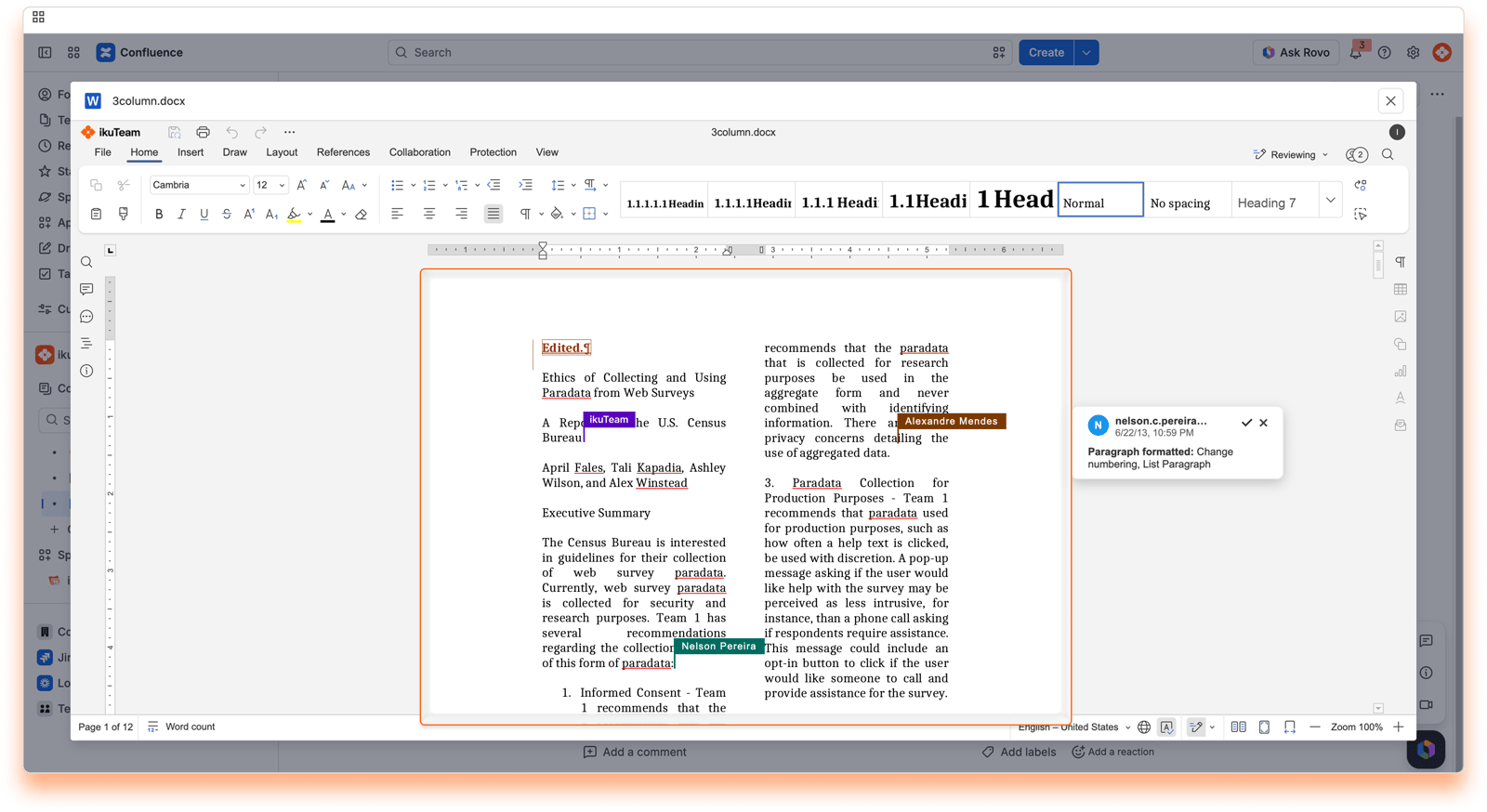
PDF documents also support real-time collaboration (Advanced Edition).
Start editing a PDF file attached to a page. When another person clicks to edit the same file, the editor seamlessly creates a collaboration session. You can continue to edit the file as before and leave it anytime by closing the editor.
Microsoft Office documents: DOC, DOCX, DOCM, XLS, XLSX, XLSM, XLSB, PPT, PPTX, PPTM, PPS, PPSX, and PPSM
Microsoft Office templates: DOT, DOTX, DOTM, XLT, XLTX, XLTM, POT, POTX, and POTM
OpenOffice documents and templates: ODT, ODS, ODP, OTT, OTS, and OTP
Other text and spreadsheet files: RTF and CSV
Google Docs, Sheets, and Slides
PDF documents (edit, annotate and sign, with the Advanced Edition)
That's all for editing documents. Did you know you can also create new documents right from the file manager?
If you still have questions about anything covered here, visit our support portal and send them our way. Our team is always happy to help.


