

Confluence Google Drive Integration
Create a single source of truth with seamless syncing and real-time collaboration.
Read more


Create Word, Excel and PowerPoint files right on your work items, and edit the files already attached, without downloading, editing and uploading copies, and without locking anyone out.
You can add a new document, spreadsheet or presentation to a work item at any moment.
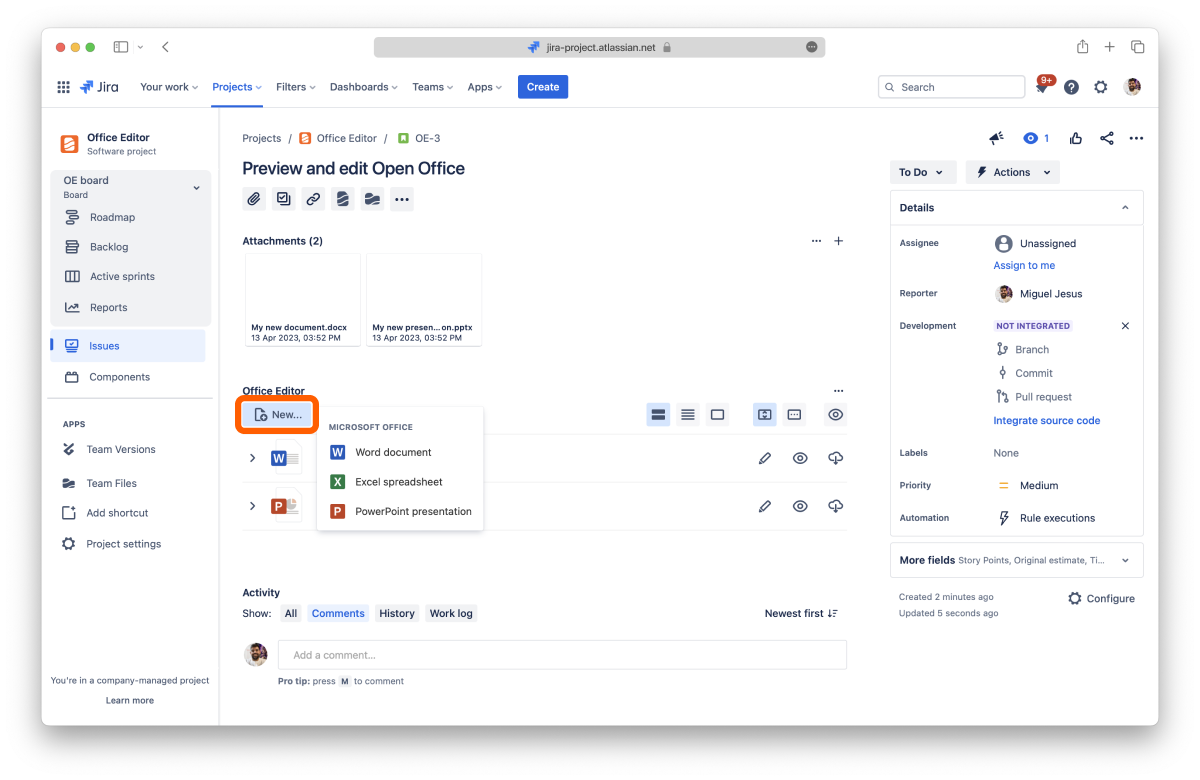
In the ikuTeam Office panel, select New....
Under Document type, choose Word Document, Excel Spreadsheet or PowerPoint Presentation.
Enter a Document name.
Select Create.
The new file is attached to the work item and appears in the panel right away. Select Edit to start working on it.
You can also create a document and attach it to any work item from the Workspace Overview.
Select Edit on a file in the panel, or in the full-screen preview. The ikuTeam Office editor opens in the same tab, right inside Jira, and you can start editing in a few seconds.
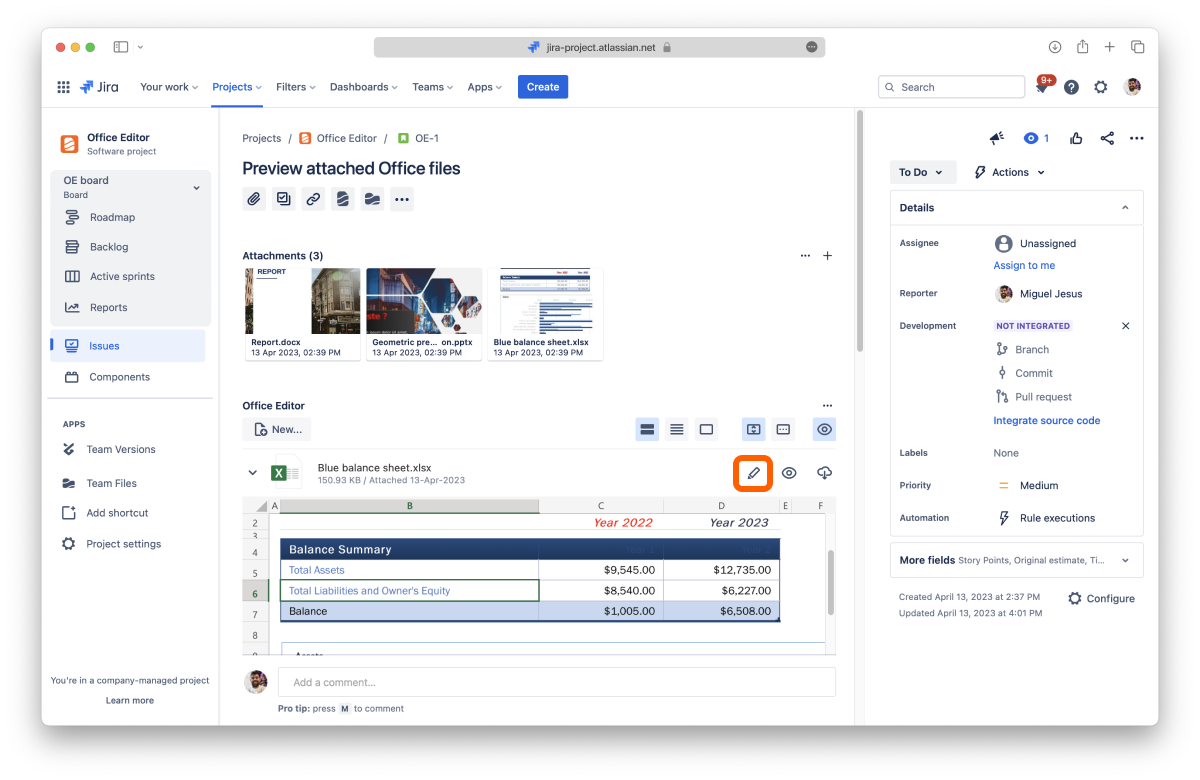
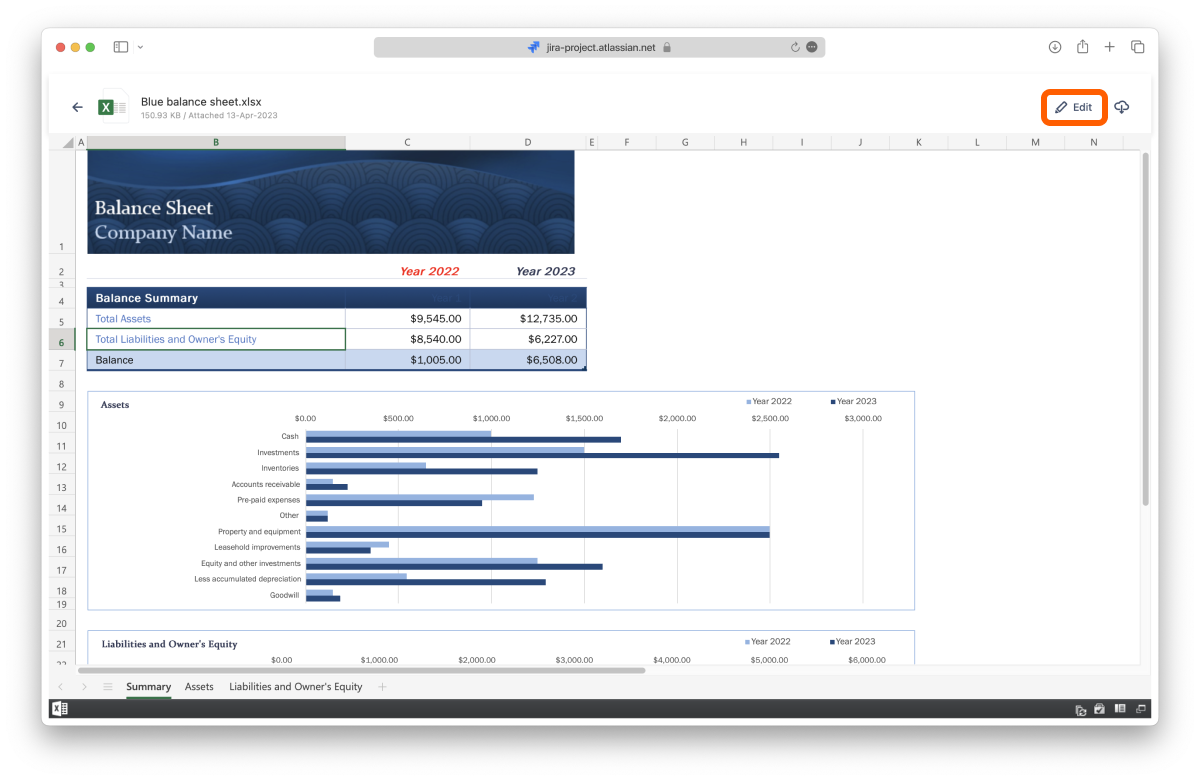
Your changes are saved automatically, so when you finish, just close the editor. The edited file replaces the attachment on the work item, in its original format.
If Edit is turned off for a file, your Jira permissions don't allow you to edit it. See 2.6 Permissions.
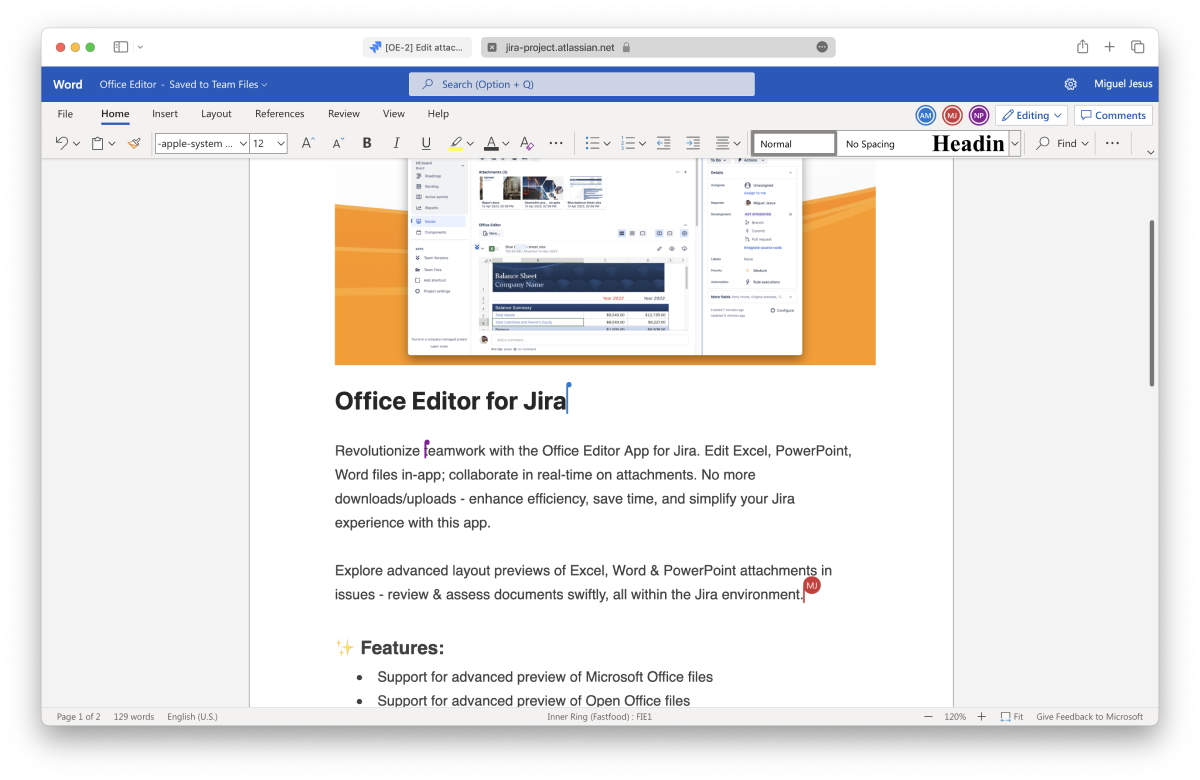
Microsoft Office and OpenOffice files support real-time co-editing, so nobody gets locked out. Start editing a file attached to a work item. When someone else selects Edit on the same file, you both join the same editing session and see each other's changes as you type. You can leave at any time by closing the editor.
With the Advanced Edition, you can edit, annotate and sign PDF files attached to your work items, with the same ikuTeam Office editor. With the Standard Edition, you can preview PDFs, and selecting Edit on a PDF shows what the Advanced Edition adds.
Word documents and templates: DOC, DOCX, DOCM, DOT, DOTX, DOTM
Excel spreadsheets and templates: XLS, XLSX, XLSM, XLSB, XLT, XLTX, XLTM
PowerPoint presentations and templates: PPT, PPTX, PPTM, PPS, PPSX, PPSM, POT, POTX, POTM
OpenOffice documents and templates: ODT, OTT, FODT, ODS, OTS, FODS, ODP, OTP, FODP
Older StarOffice and WPS Office files: SXW, STW, SXC, SXI, WPS, WPT, ET, ETT, DPS, DPT
Text and web files: RTF, TXT, CSV, HTML, HTM, MHT, MHTML, XML, LOG, CONFIG
E-books: EPUB, FB2
XPS, OXPS, DJVU, DOCXF and OFORM files
PDF files: edit, annotate and sign, with the Advanced Edition
In Jira Service Management spaces, editing attachments needs the Advanced Edition. With the Standard Edition, agents can still preview files there. See 2.5 Jira Service Management customer portal.


