

Confluence Google Drive Integration
Create a single source of truth with seamless syncing and real-time collaboration.
Read more


Take the very first steps to use ikuTeam Office for Confluence.
You can install the ikuTeam Office for Confluence app from the Atlassian Marketplace by clicking the “Get it now” button on the top right corner of the page.
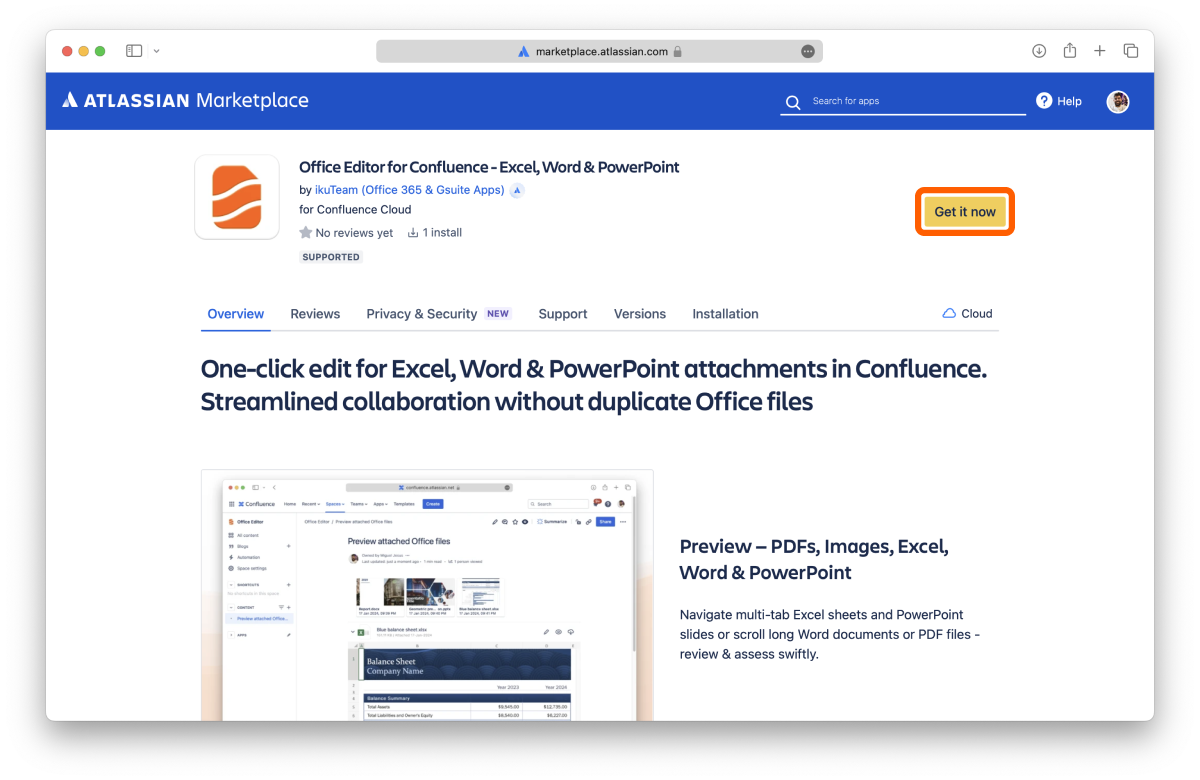
Once the app is installed on your Confluence site, you can use it immediately.
Edit a page, type /ikuTeam Office or find ikuTeam Office in the Insert menu, and add the macro to your page.
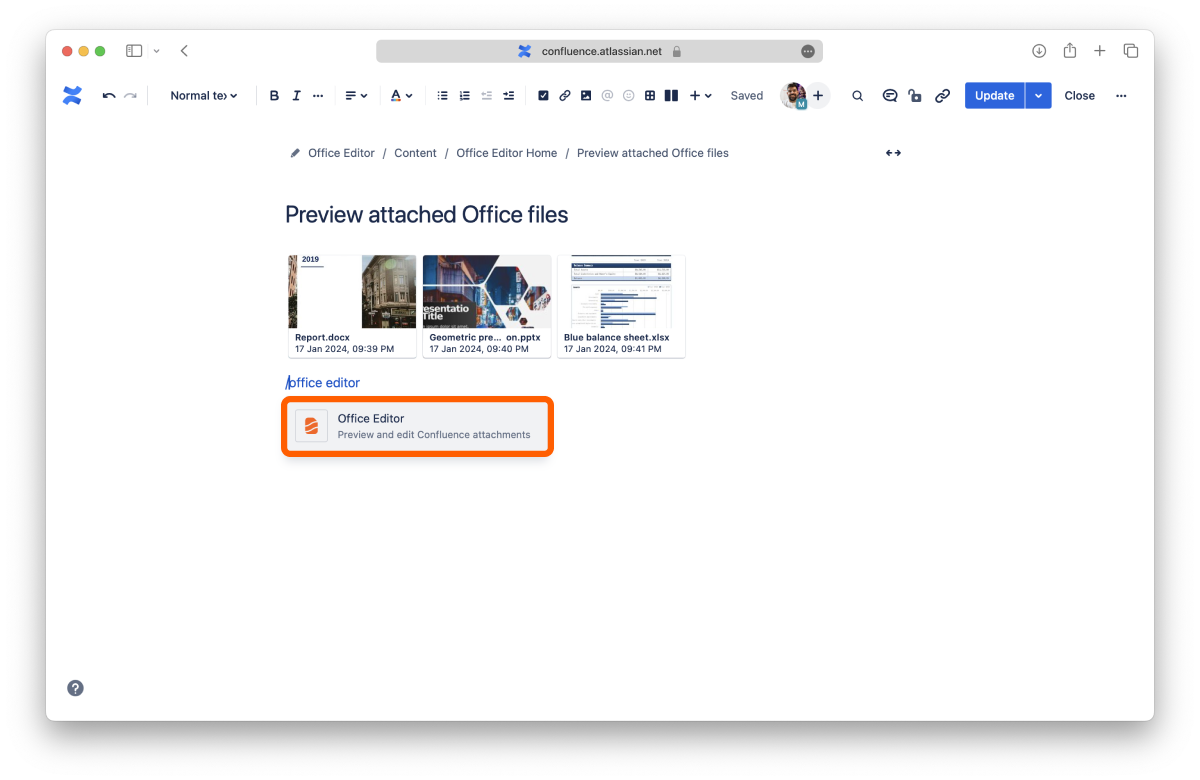
The macro shows the Microsoft Office files (Word documents, Excel spreadsheets and PowerPoint presentations), OpenOffice files and PDF files attached to the page. In the macro settings, you choose which files to show (or select Automatically add future attachments) and adjust the layout. You can also drag files into the macro to attach them, or click New... to create a new document.
Expand a file to preview it, and click Edit to start editing. To edit, you need permission to edit the page.
Want to see your team's documents in one place? Open ikuTeam Office from the Apps menu to find the 2.5 Workspace Overview.
You’ve just learned the fundamentals to use ikuTeam Office for Confluence.


